Network Video Recorder User Manual
42
with the specified computer; if you set the binding Mac address for user, only the
user with this Mac address can visit the device through network.
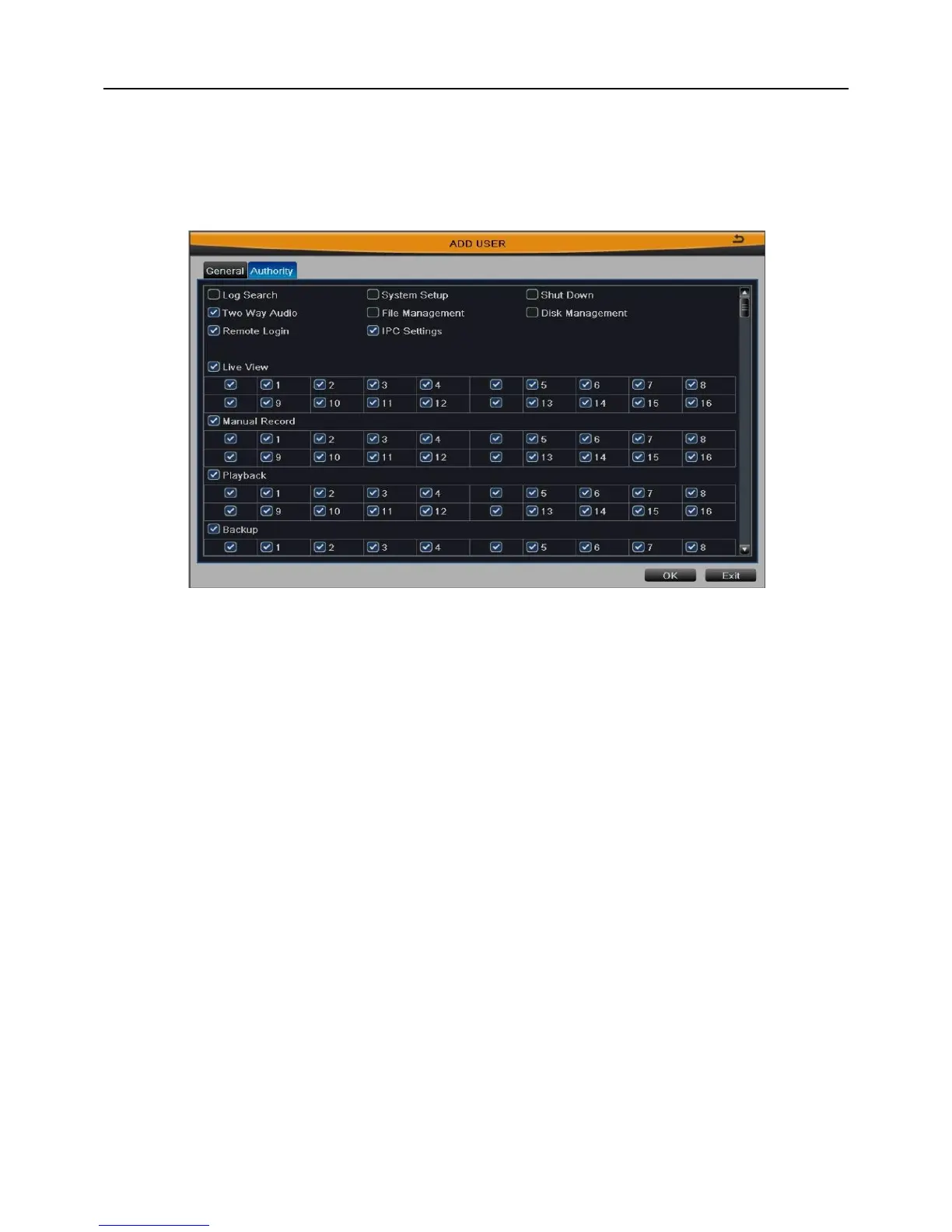
[Authority]: As shown in Fig 3-36, assign the appropriate authority for new user. Click OK
button to save the setting; click Exit button to exit the current interface.
Fig 3-36
Select a user in the user list, click “Setup” button to modify user type, binding PC
MAC address and user authority.
Select a user in the user list, click “Delete” button to delete this user.
Click “Change Password” button to modify the password.
Click Exit button to exit the current interface.
Note: The administrator cannot be modified and deleted. User can only modify
their own password.
3.2.8 Advanced Configuration
Enter into Main MenuSetupAdvanced.
Advanced configuration includes two submenus: reset and import/export.
[Reset]: Click this button to pop up a warning window, then click OK button to restore
factory settings and restart the device automatically.
[Import/Export]: User can export the data files into mobile storage device as backup
function, or import specified data files from mobile storage device to NVR.



 To Next Page