Network Video Recorder User Manual
43
Chapter 4 Manage NVR
4.1 Search and Playback
Search configuration includes three submenus: time search, event search and file
management.
4.1.1 Time Search
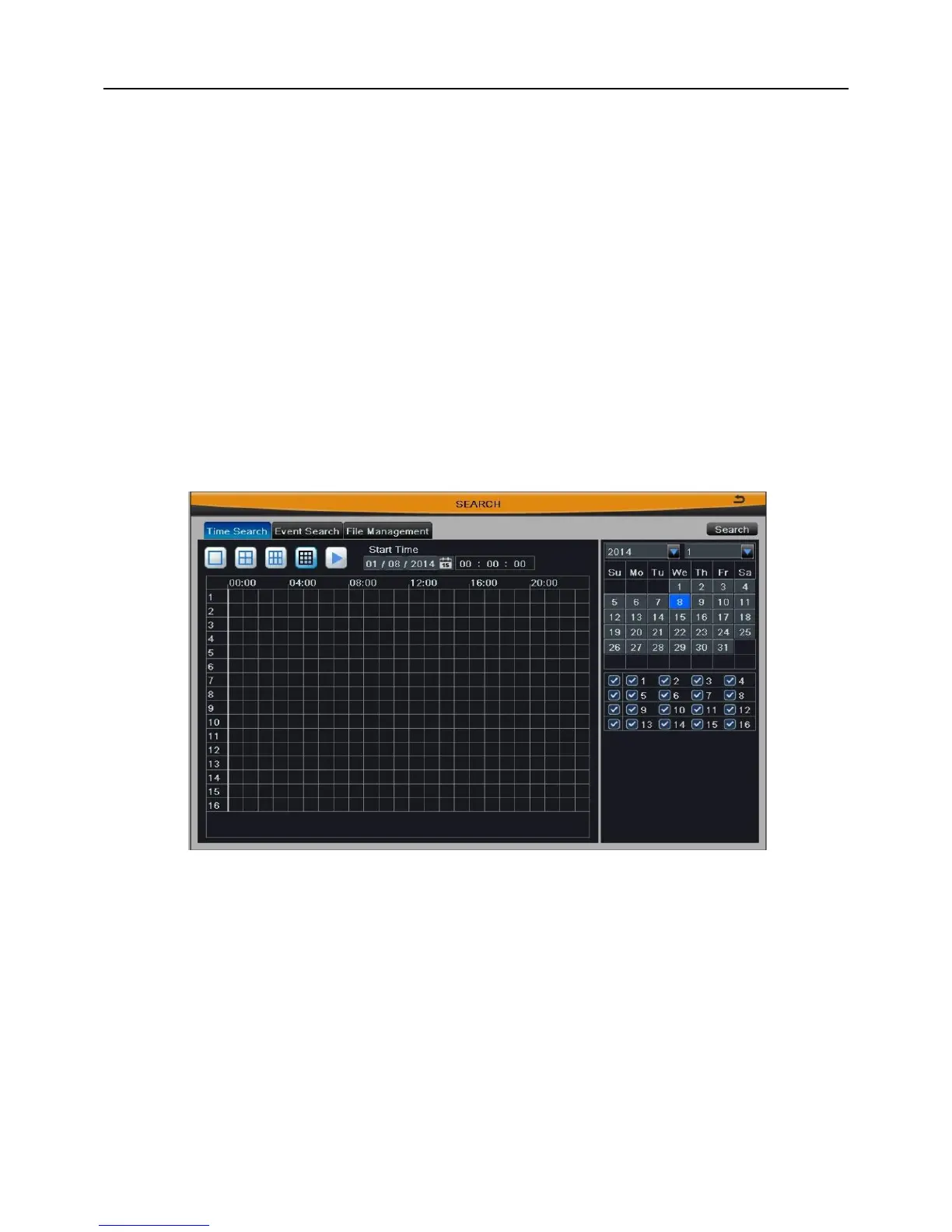
Step1: Enter into Main MenuSearchTime Search; as shown in Fig 4-1:
Fig 4-1
Step2: Select a certain date and channels which need to search video. The highlight
date in the calendar means have record data.
Step3: Press Search button, the searched record information will be displayed in the
timeline panel. The blue grid means have record.
Step4: Set the screen display mode; click time grid to set the playback start time, or
input this time manually.
Note: The vertical column means hours, the horizontal column means
channels.



 To Next Page