Network Video Recorder User Manual
68
5.4 Remote Configuration & Management
5.4.1 Remote Configuration
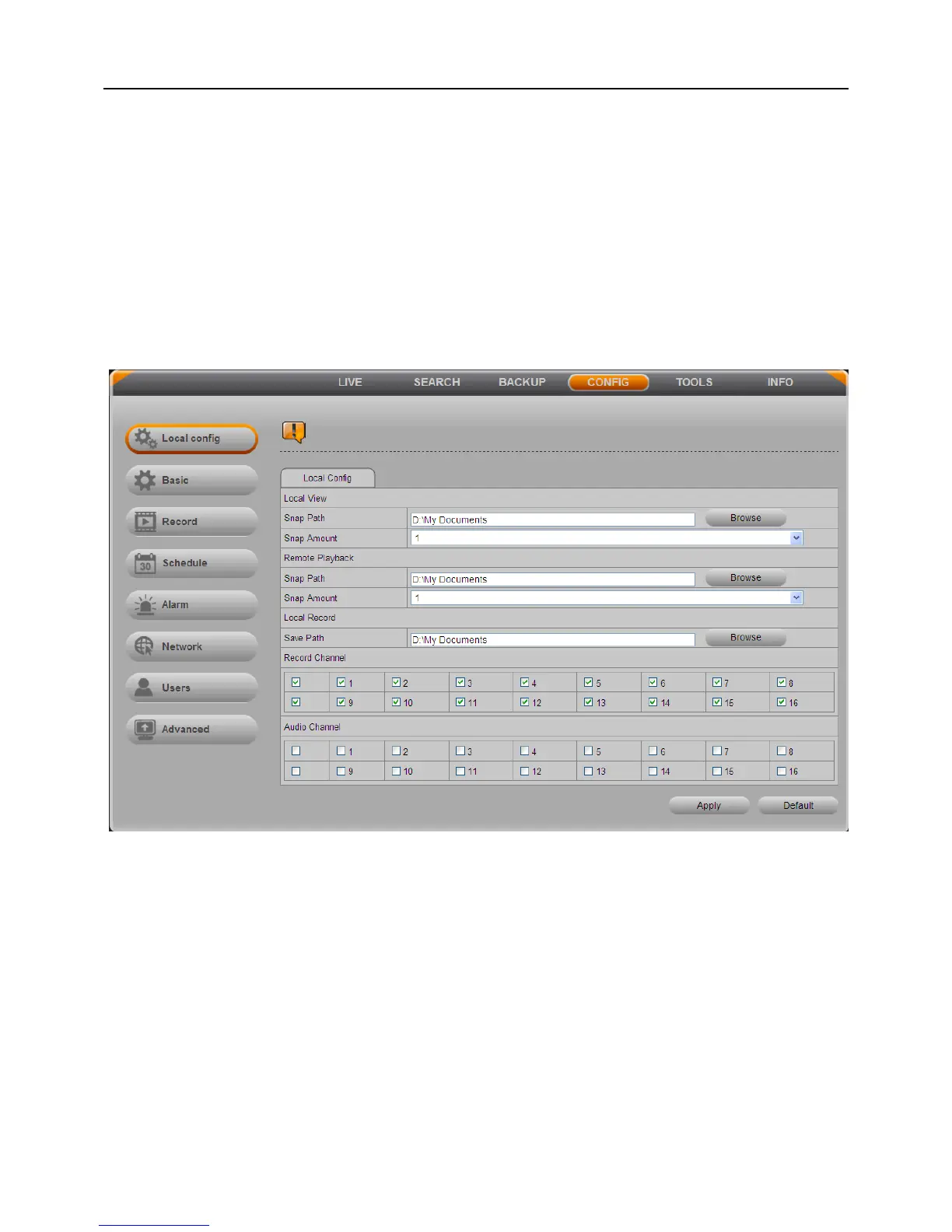
Click “CONFIG” button to enter the system configuration interface. Remote users can
easily set up all the parameters, its setup steps are the same as the settings of NVR. As
shown below:
Fig 5-10
5.4.2 Remote Management
Click “TOOLS” button.
In the Disk Management interface, user can modify the property of HDD, check
information and format the HDD.
In the Upgrade interface, user can upgrade the NVR system remotely.
In the Reboot interface, user can reboot the NVR, and browser will automatically
re-login.



 To Next Page