Network Video Recorder User Manual
60
Step8: Enter your user name and password (the default user name is "admin",
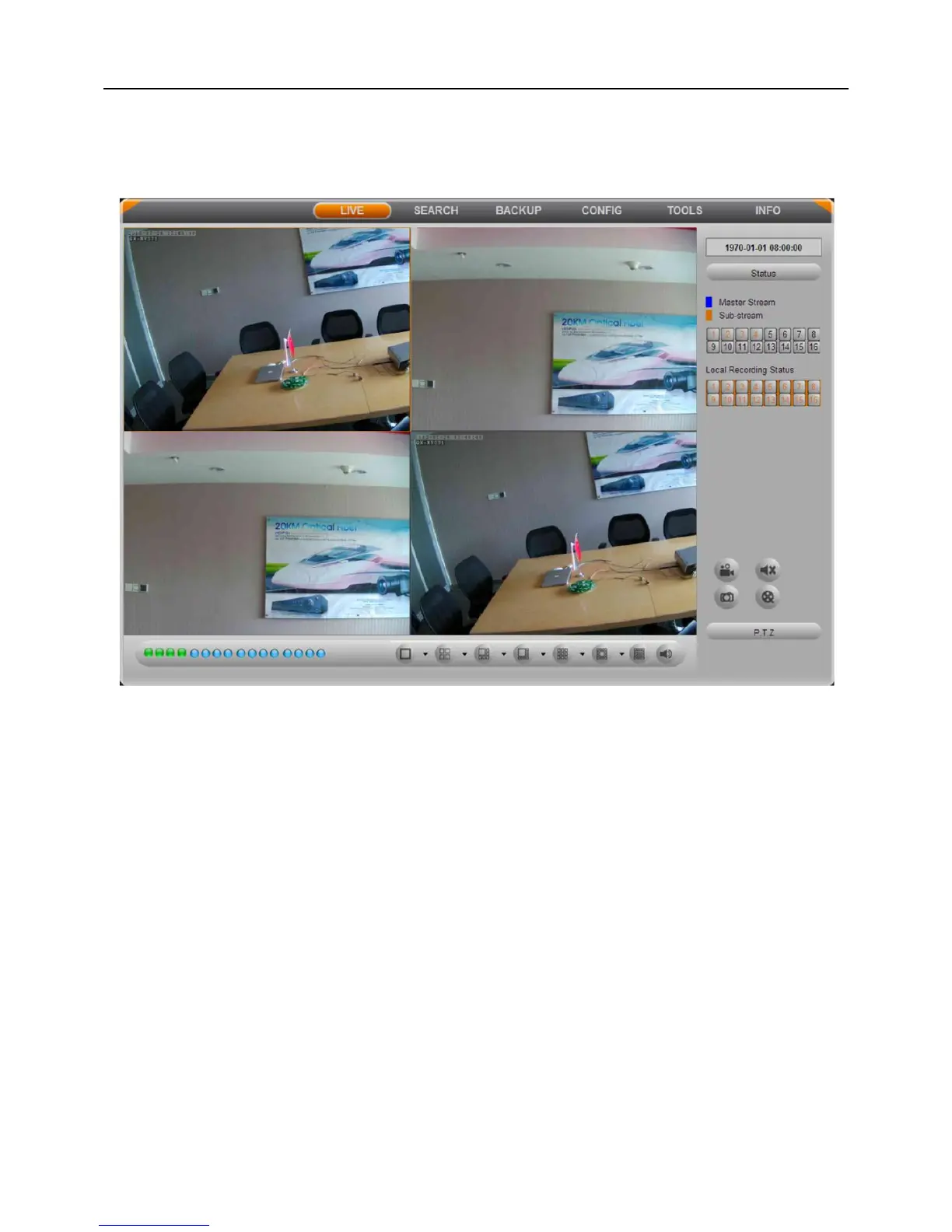
password is blank), click "LOGIN" button to enter the live preview interface, as shown
below:
Fig 5-2
5.1.2 On WAN
There are two ways for the NVR connect to internet.
1. Connect the NVR to internet through ADSL dial-up
Step1: Enter into the NVR’s Main MenuSetupNetwork configurationNetwork.
Enable PPPoE, and do not set the NVR's network address, subnet mask and gateway,
then fill in the user name and password provided by the telecom operators in, click Apply
button.
Step2: Enter into the NVR’s Main MenuInformationNetwork information to obtain
IP address, then input it in the browser, such as: http://210.21.229.138, user can enter the
control download interface.
Step3: The following setup steps are the same as steps 6-8 of Chapter 5.1.1 on LAN.



 To Next Page