Network Video Recorder User Manual
72
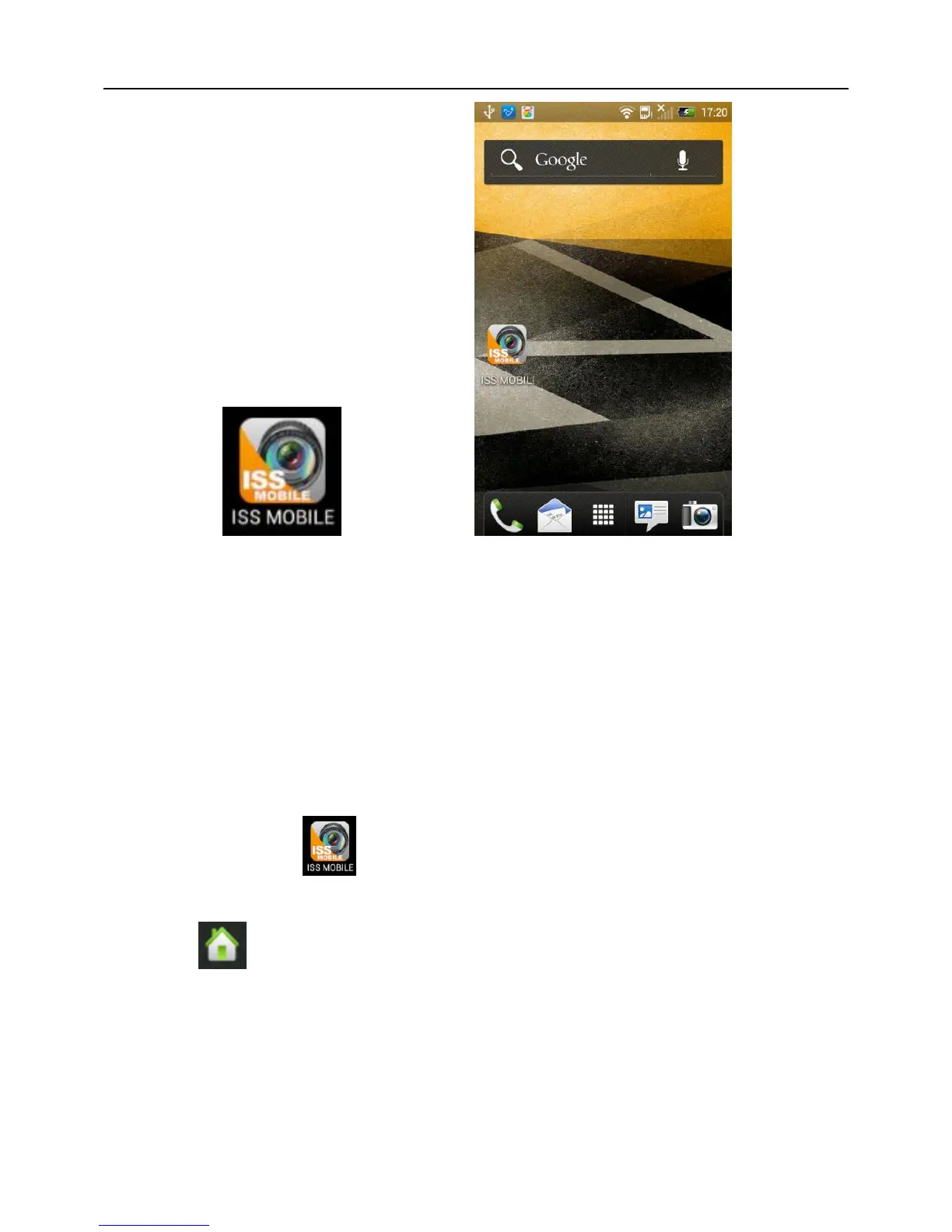
Fig 6-1 Fig 6-2
6.3 Application Running
6.3.1 Interface Description
After successfully installed the application into mobile phones, it is ready to run, just
click the ISS MOBILE icon in the main menu. The main interface looks like Fig
6-3:
Click “ ” icon on top right, then you can access the main menu interface and see
corresponding operation options, including device list, local video, photos, about, etc; refer
to Fig 6-4:



 To Next Page