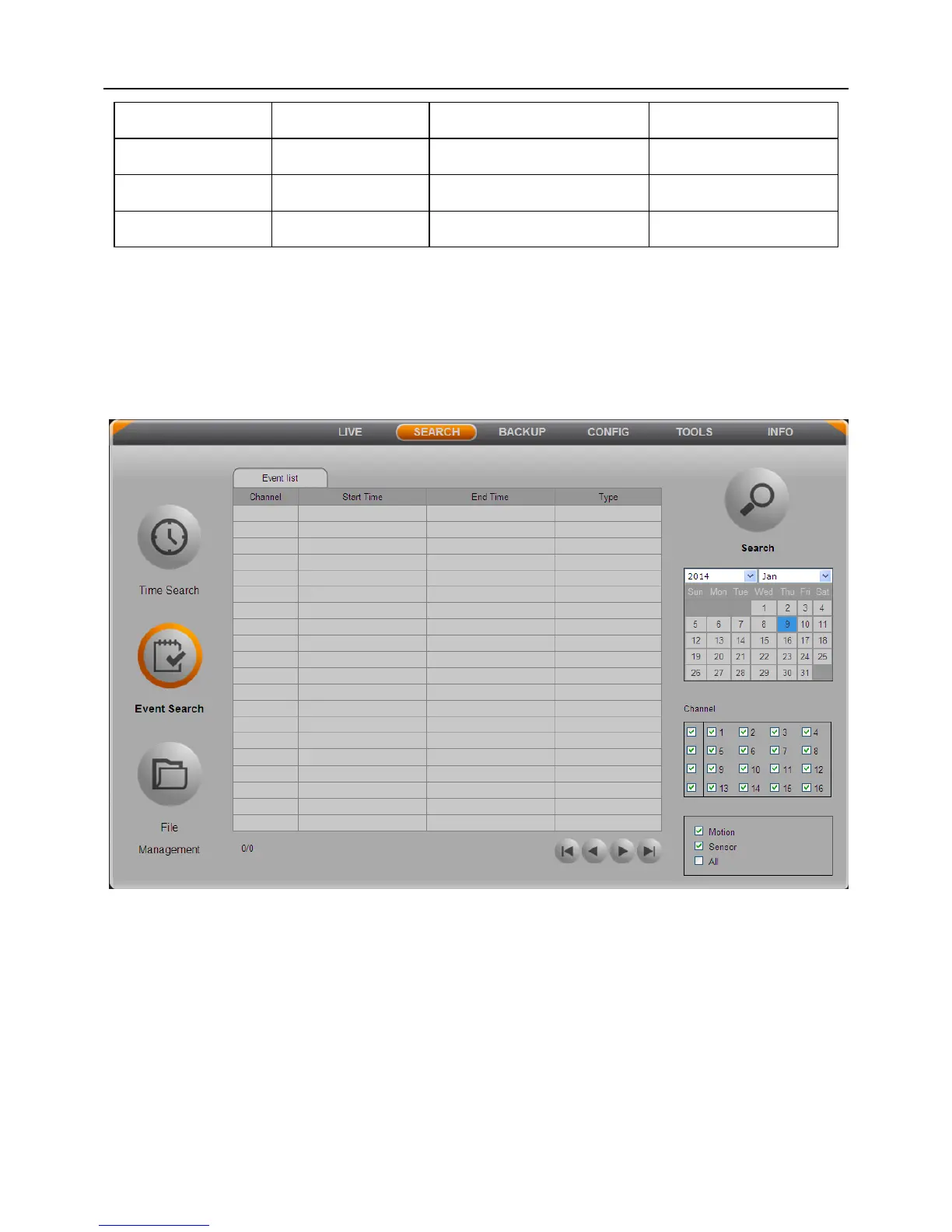
5.3.2 Event Search
Click “Event Search” button to enter the event search interface. As shown below:
Fig 5-8
Step1: Select a certain date, event type (motion, sensor) and channels which need to
search video.
Step2: Press Search button, the searched event information will be displayed in the
event list.
Step3: Double click an event file to playback. Click the relevant buttons on the screen
to control playback.



 To Next Page