Network Video Recorder User Manual
78
:Zoom in and zoom out;
:Change focus;
:Change aperture.
6.3.6 Local Video
The videos will be saved on the phone after recording the videos. Steps as below:
Note: If there is no memory card on phone, the record function will not work.
Play Video:
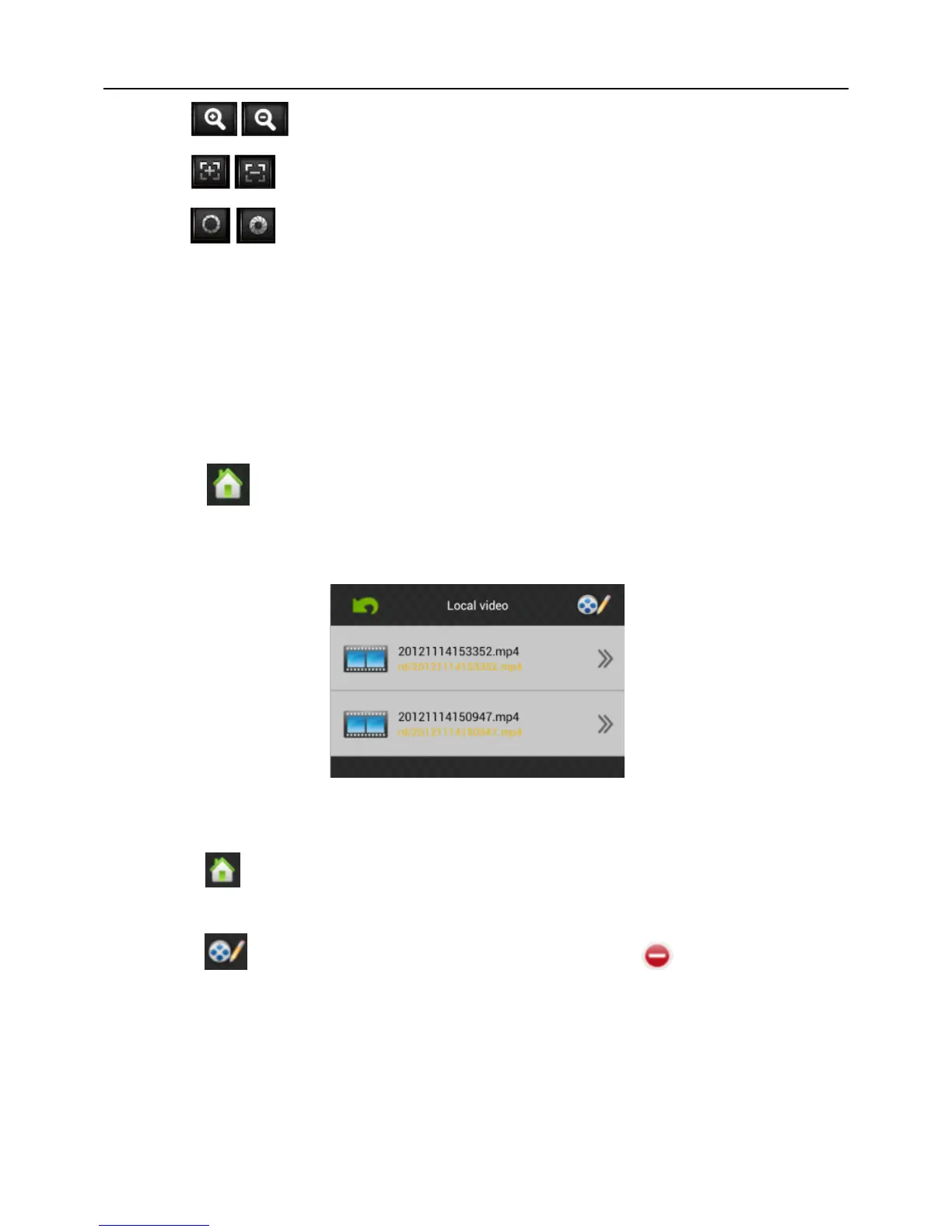
1) Click “ ” to access main menu interface, select “local video” to access “local
video” list interface, like Fig 6-14:
2) Click the video record, for example 20121022145057.mp4, to view this video record.
Fig 6-14
Delete:
1) Click “ ” to access the main menu interface, select “local video” to access “local
video” list interface, like Fig 6-14:
2) Click “ ”, select the needed record, like Fig 6-15, click “ ” to delete this video.
3) Click “Done” and back to “Local Video” list interface;
4) Click “Back” and back the main menu, like Fig 6-16:



 To Next Page