Network Video Recorder User Manual
52
Tick off “all” and then do relevant setup, user can set all channels with same
parameters.
Click “Apply” button to save the setting; click “Exit” button to exit current interface.
4.5.4 Mask
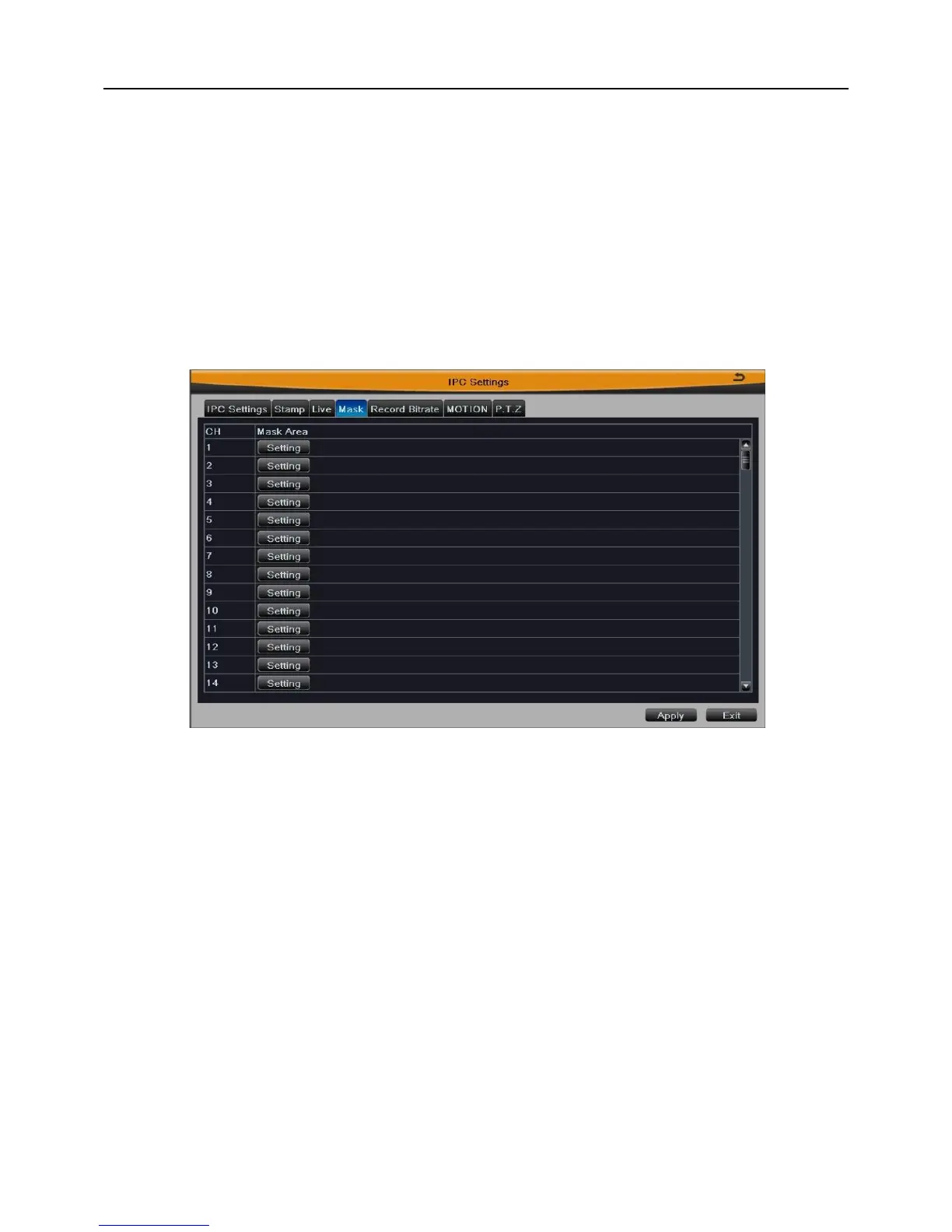
Enter into Main MenuIPC SettingsMask. User can set private mask area on the
live screen, as shown in Fig 4-12.
Fig 4-12
[Set mask area]: Click “Setting” button, then click and drag cursor to set the privacy area
of video image. An image can be entirely or partially masked, it supports 4 areas
(superposable) at maximum. Click right mouse to return to the previous interface.
[Delete mask area]: Double click the mask area to delete it, click right mouse to return to
previous interface.
Click “Apply” button to save the setting; click “Exit” button to exit current interface.
4.5.5 Record Bitrate
Enter into Main MenuIPC SettingsRecord Bitrate. User can set the resolution,
frame rate, encode and max bitrate of each channel recording, as shown in Fig 4-13.


 To Next Page