Network Video Recorder User Manual
19
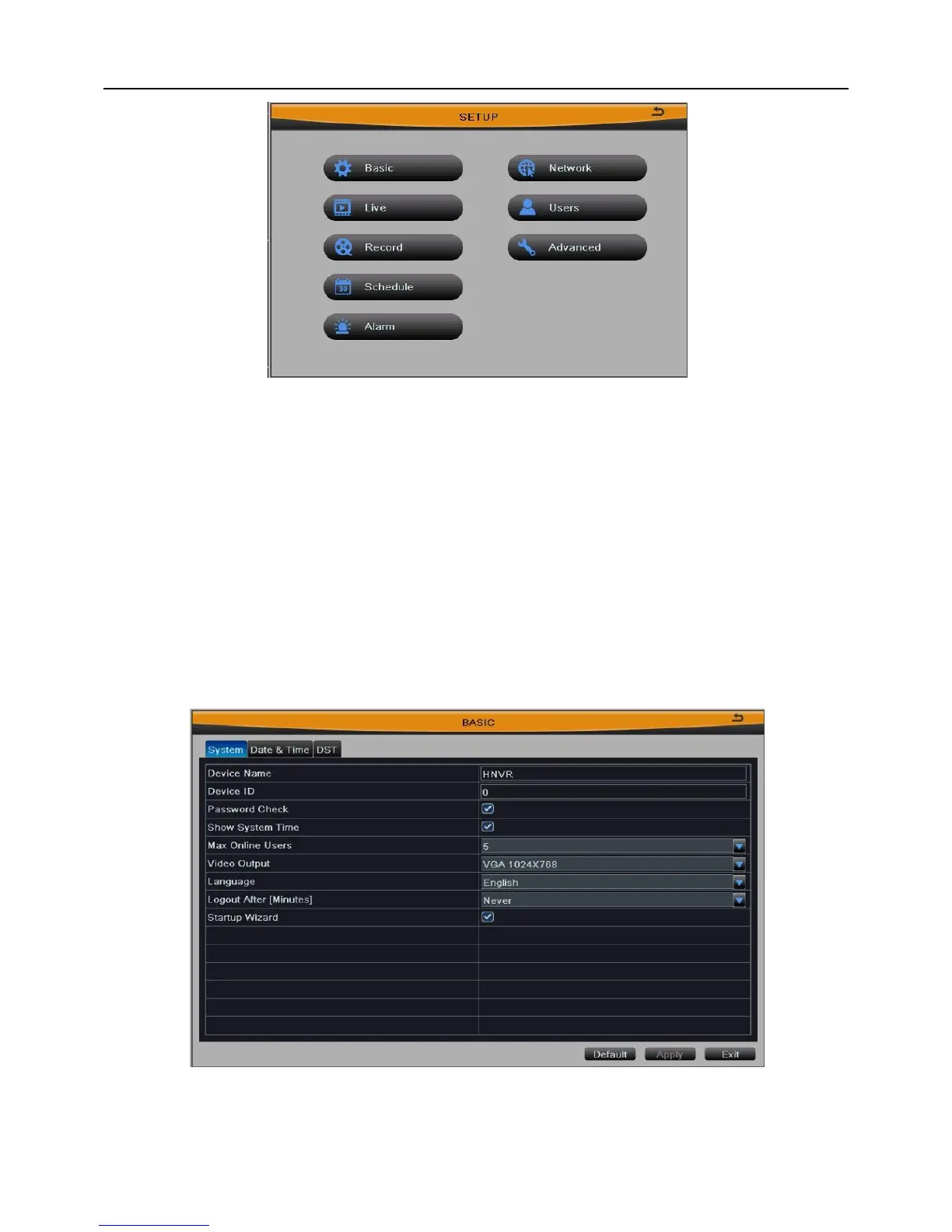
Fig 3-6
3.2.1 Basic Configuration
Enter into Main MenuSetupBasic.
Basic configuration includes three submenus: system、date& time and DST.
3.2.1.1 System
User can set the device name, device ID, max online users, video output, language,
etc. As shown in Fig 3-7:
Fig 3-7
[Device Name/ID]: The name/ID of device. It may display on the client end that help user
to recognize the device remotely. ID range: [0~65535].



 To Next Page