Network Video Recorder User Manual
27
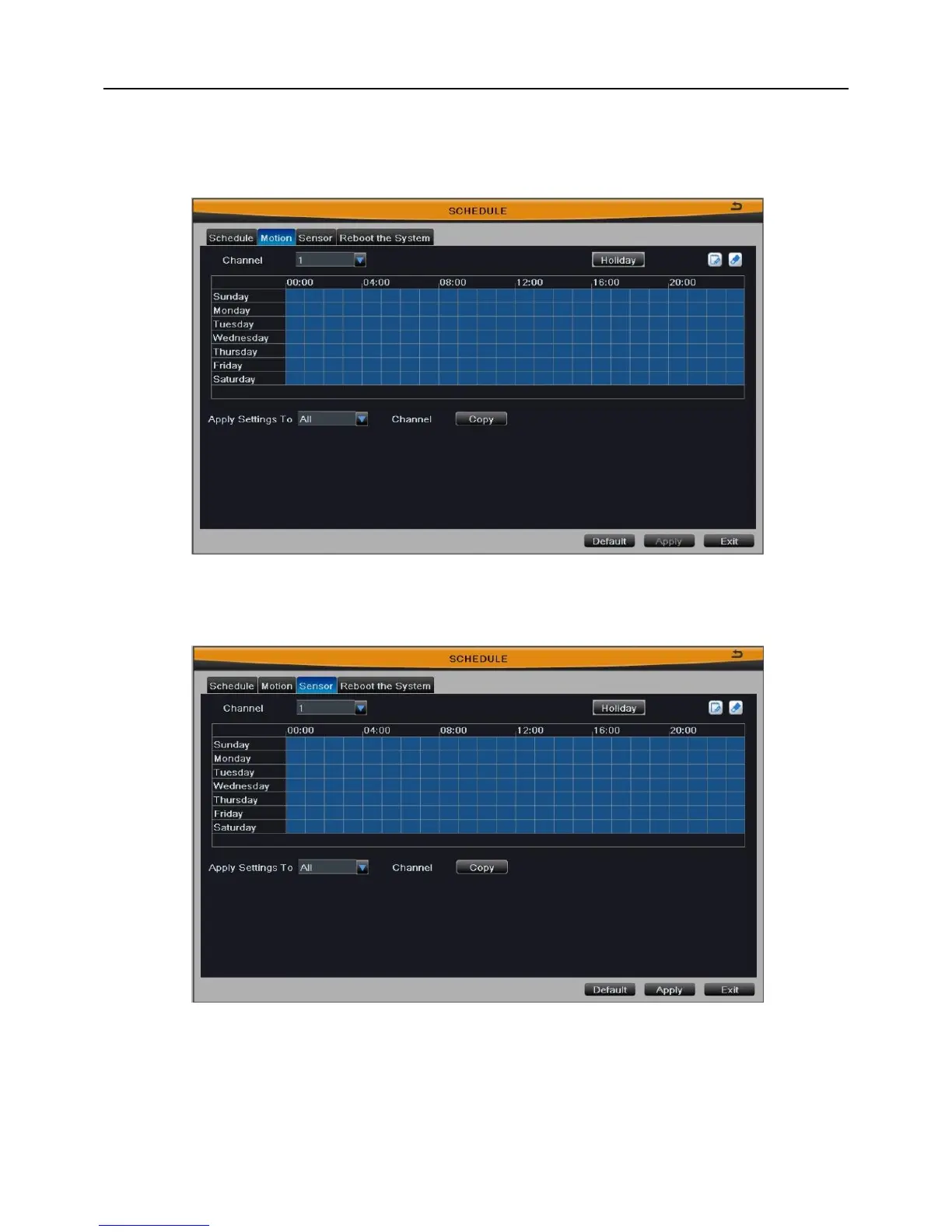
motion are familiar with schedule; user can refer to Chapter 3.2.4.1 Schedule for details.
Note: The default schedule of motion detection is full-selected, that is, the
color of schedule setting interface is blue.
Fig 3-17
3.2.4.3 Sensor
Fig 3-18
The interface of sensor alarm recording is shown in Fig 3-18. The setup steps of
sensor are familiar with schedule; user can refer to Chapter 3.2.4.1 Schedule for details.
Note: The default schedule of sensor alarm is full-selected, that is, the color of
schedule setting interface is blue.



 To Next Page