Network Video Recorder User Manual
41
Step6: Access your NVR remotely
Open IE and enter the host name (e.g. http://MyNVR.no-ip.org ) in the address bar to
access it.
3.2.7 User Management
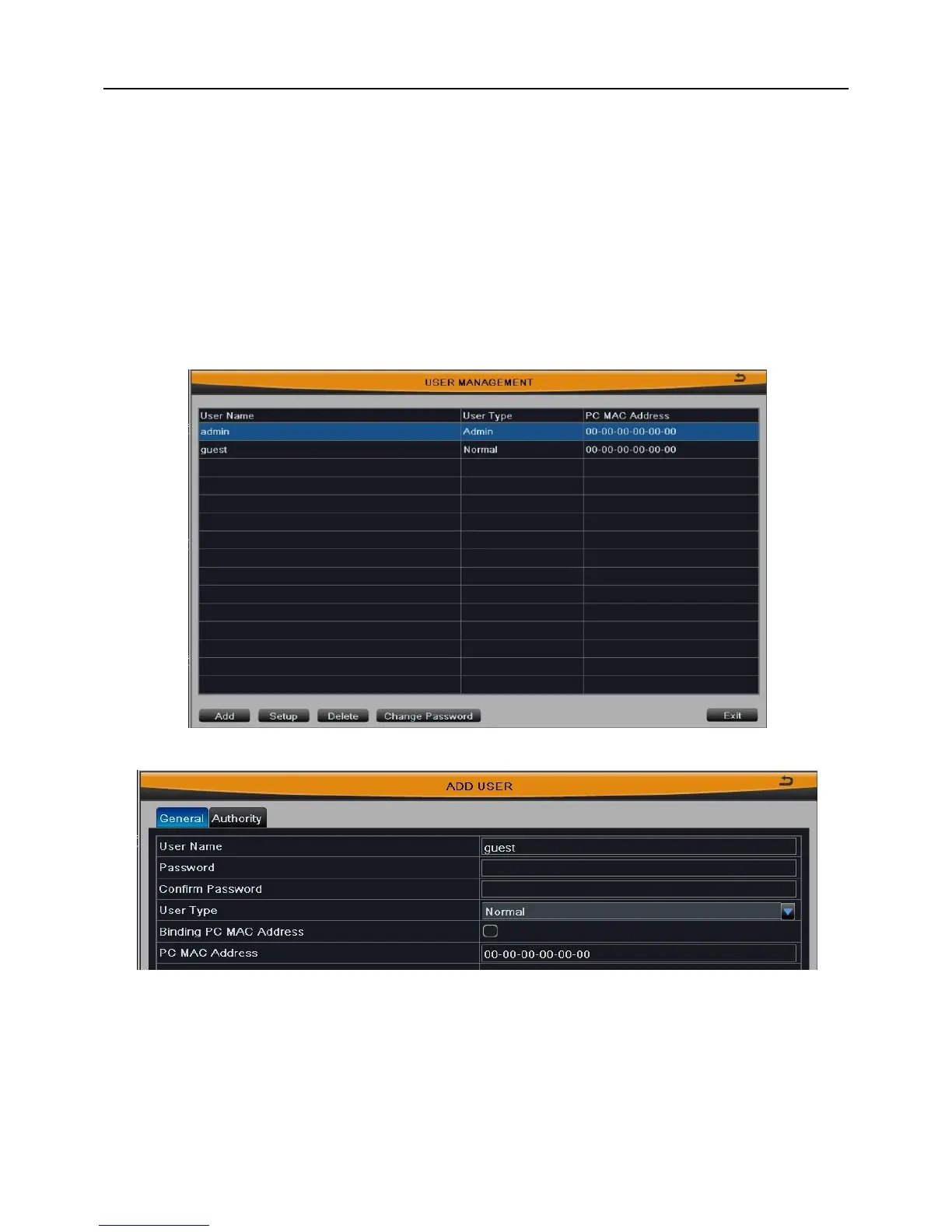
The interface of user management is shown in Fig 3-34. Click “Add” button to pop up
a window, as shown in Fig 3-35:
Fig 3-34
Fig 3-35
[General]: Enter the new user's name and password; select user type: normal and
advance; or tick off “Binding PC Mac Address”, input the MAC address of PC as required;
click OK button to add this user into the user list; click Exit button to exit the current
interface.
Note: When the value of binding PC MAC address is 0, this user is not binding



 To Next Page