Network Video Recorder User Manual
31
1. Motion
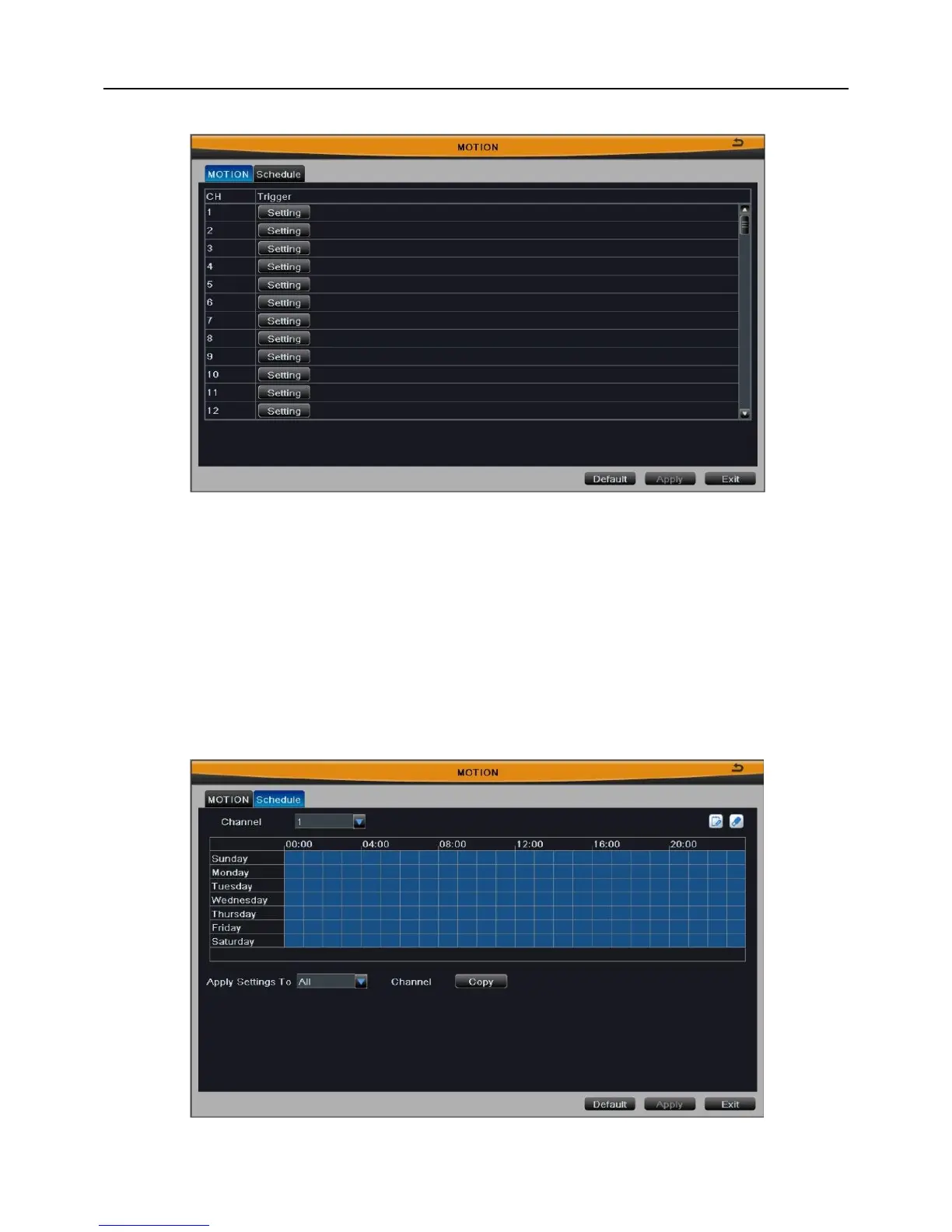
Fig 3-24
As shown in Fig 3-24, click “Setting” button of trigger to pop up a window. The setup
steps are familiar with sensor alarm handling; user can refer to Chapter 3.2.5.1
Sensor2.Alarm Handling for more details.
Click “Default” button to restore the default setting; click “Apply” button to save the
setting; click “Exit” button to exit current interface.
2. Schedule
Fig 3-25



 To Next Page