Network Video Recorder User Manual
33
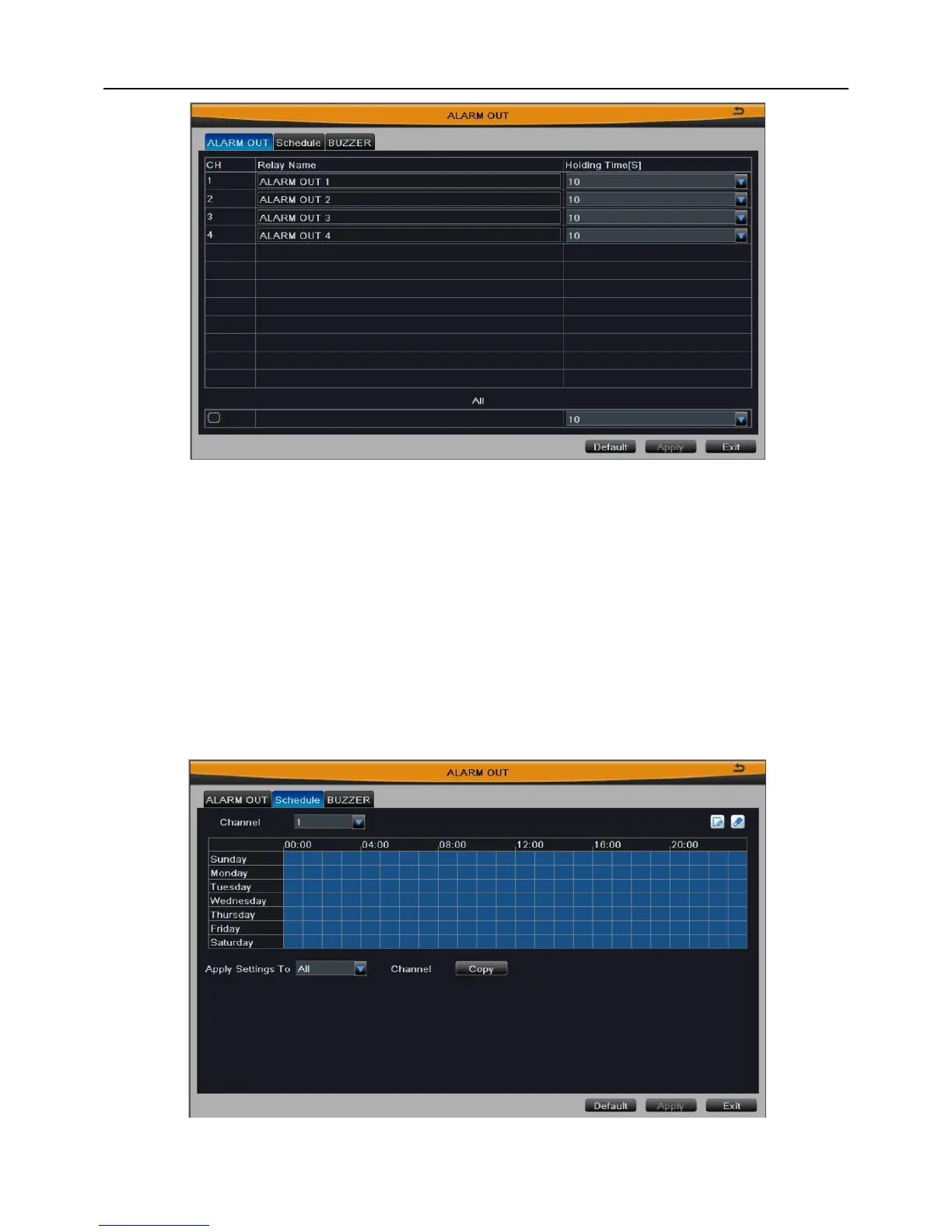
Fig 3-27
Click “Default” button to restore the default setting; click “Apply” button to save the
setting; click “Exit” button to exit current interface.
2. Schedule
The detecting schedule of alarm out is shown in Fig 3-28. The setup steps are
familiar with schedule; user can refer to Chapter 3.2.4.1 Schedule for details.
Note: The default schedule of alarm out is full-selected, that is, the color of
schedule setting interface is blue.
Fig 3-28



 To Next Page