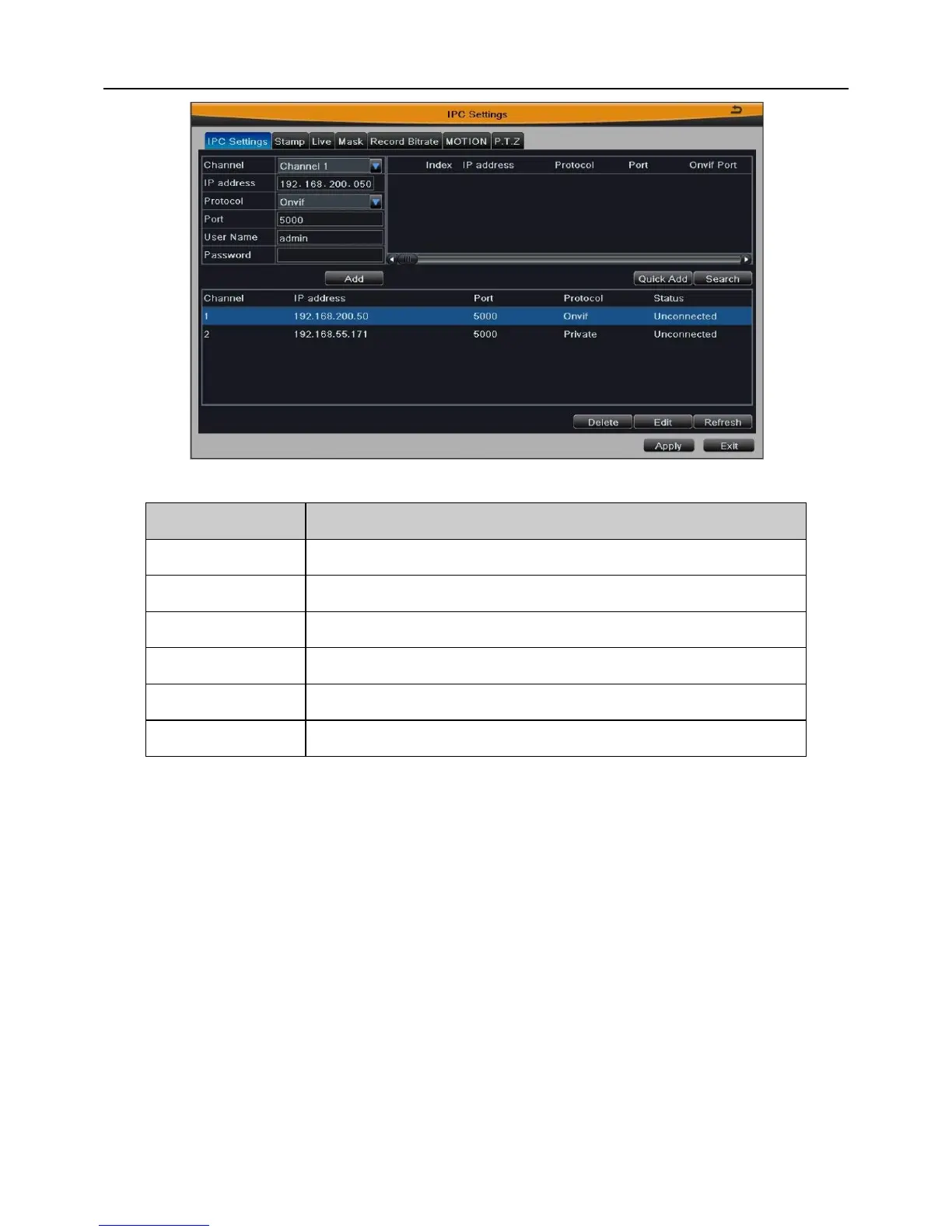
Note: If there is the same channel number or IP address when you add devices
manually, it will fail to add this device. When the number of channels exceeds a
maximum limit, please remove the needless devices first.
Step3: NVR can also add devices by searching. Click “Search” button to search
device online. The searched device will be displayed in the list at the upper right. Select
the device and click “Quick Add” button to add this device into the list. As shown in Fig 4-7:
Note: The list shows the information and connection status for the added
device. If the status shows “Connected”, this device has successfully accessed,
otherwise not. No connection may be caused by device not online, incorrect
information, type mismatching, etc.



 To Next Page