6 Electrical Connections
202208081959/V0.1
34 xMate ER7Hardware Installation Manual
J1 and J2 are standard RJ45 interfaces that can be connected by a standard network cable.
They support EtherNet and Modbus TCP/IP communication protocols, with a maximum
communication speed of 100 Mbps. You can connect the xMate ER7 robot to a network
device that has the xMate ER7 software installed.
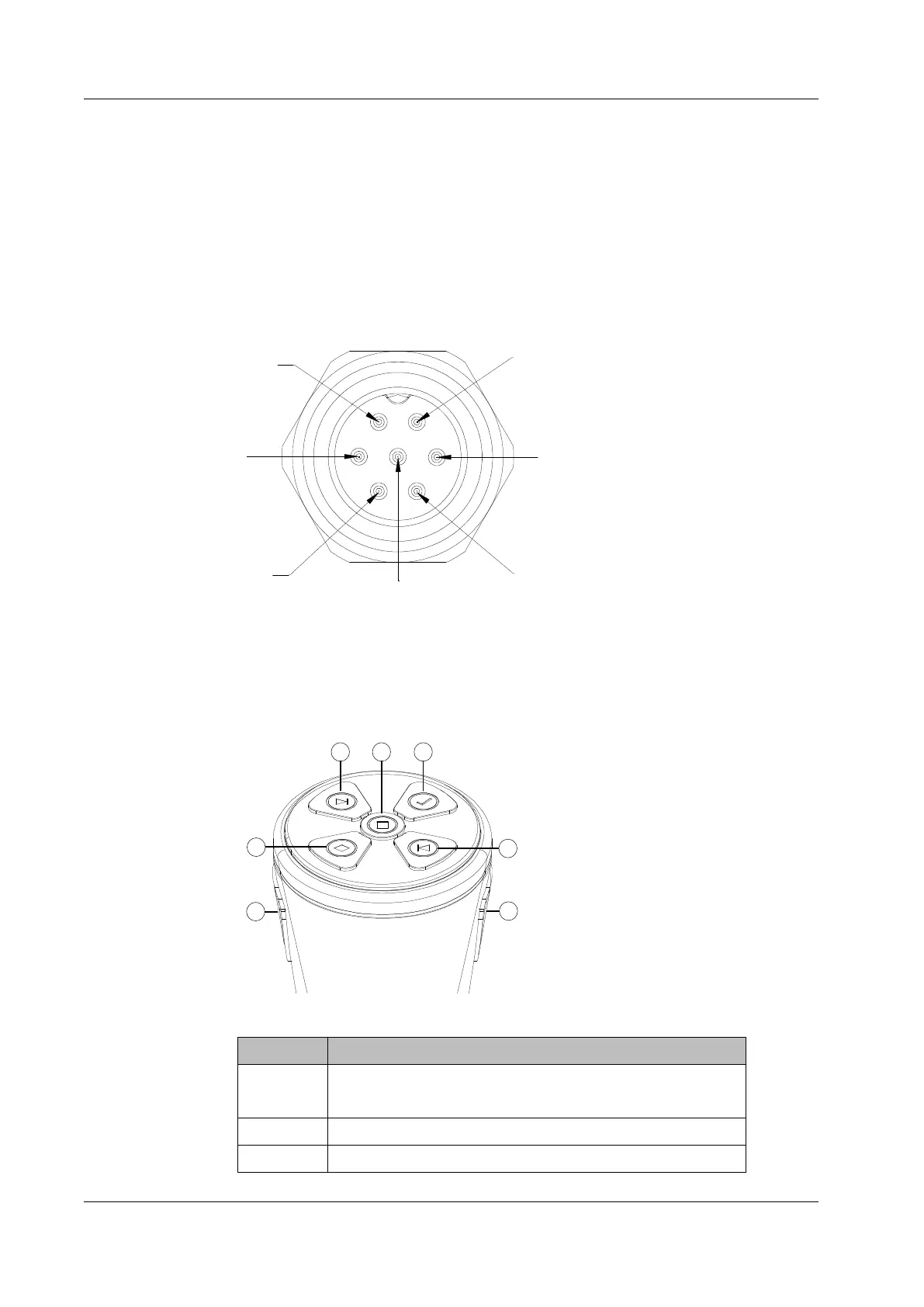
6.2.7 EtherCAT servo drive debug interface
M9 is a round connector that can be connected by a dedicated extension cable. It allows
for servo parameter setting and status monitoring, which are only available to internal
debugging professionals.
4
5
7
Figure 27. The EtherCAT debug interface
6.2.8 Function buttons on the wrist
The robot is equipped with function buttons on the wrist for continuous path recording,
direct teaching control, etc. under safe conditions, as shown in the figure below.
Figure 28. The wrist buttons
No. Definition
1 Update the teaching point with the current pose, start/stop
track recording
2 Move the cursor backward in the list
3 Add points/tracks in the list, pop-up window prompts for



 To Next Page