Reference Manual
00809-0100-4738, Rev DA
May 2006
Rosemount 3095FB
4-4
Menu Categories
File
Contains screens for creating and saving 3095FB configuration files.
S
etup
Contains screens for configuration while in “disconnect mode.”
T
ransmitter
Contains screens for configuring the transmitter that is currently connected to
the PC via the RS232-485 connector.
M
aintenance
Contains screens for calibrating the transmitter.
D
iagnostics
Contains screens to assist in diagnostics and troubleshooting.
V
iew
Enable/disable the toolbars that appear in the UI Software
H
elp
View the current revision of the UI Software.
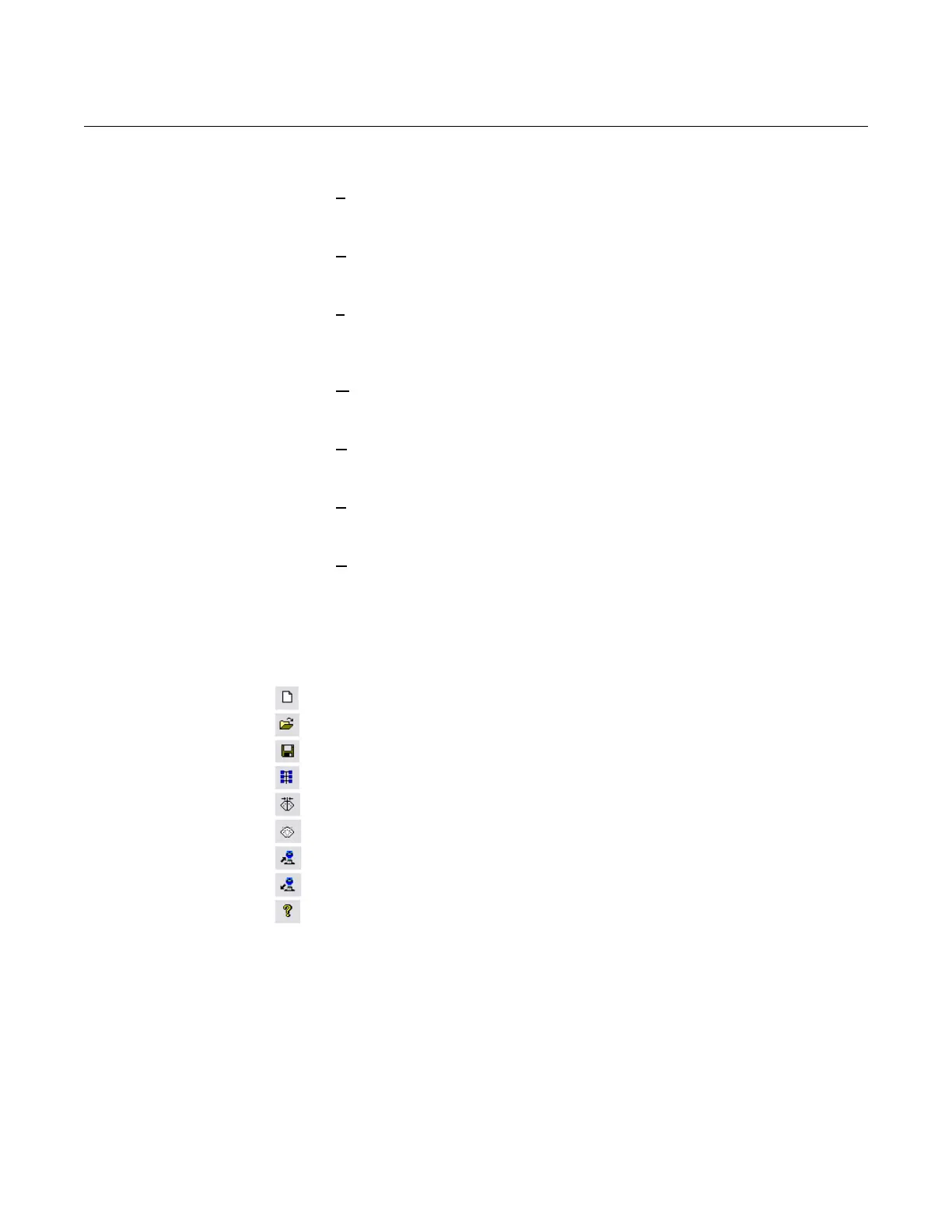
Hot Keys Hot keys provide convenient one-click access to nine of the more popular
commands on the 3095FB UI Software.
Create a new configuration file
Open an existing configuration file
Save the active configuration file
Connect to the transmitter or change the multidrop address
Trim the sensors for each process variable
View or change the sensor limits for each process variable
Download the current configuration to the transmitter
Upload the current configuration from the transmitter
View the current revision of the UI software
CALIBRATION
PROCEDURES
The following procedures outline the major steps for calibrating and
configuring the 3095FB. Refer to the individual screen explanations for more
detailed information.











 To Next Page