Reference Manual
00809-0100-4738, Rev DA
May 2006
4-17
Rosemount 3095FB
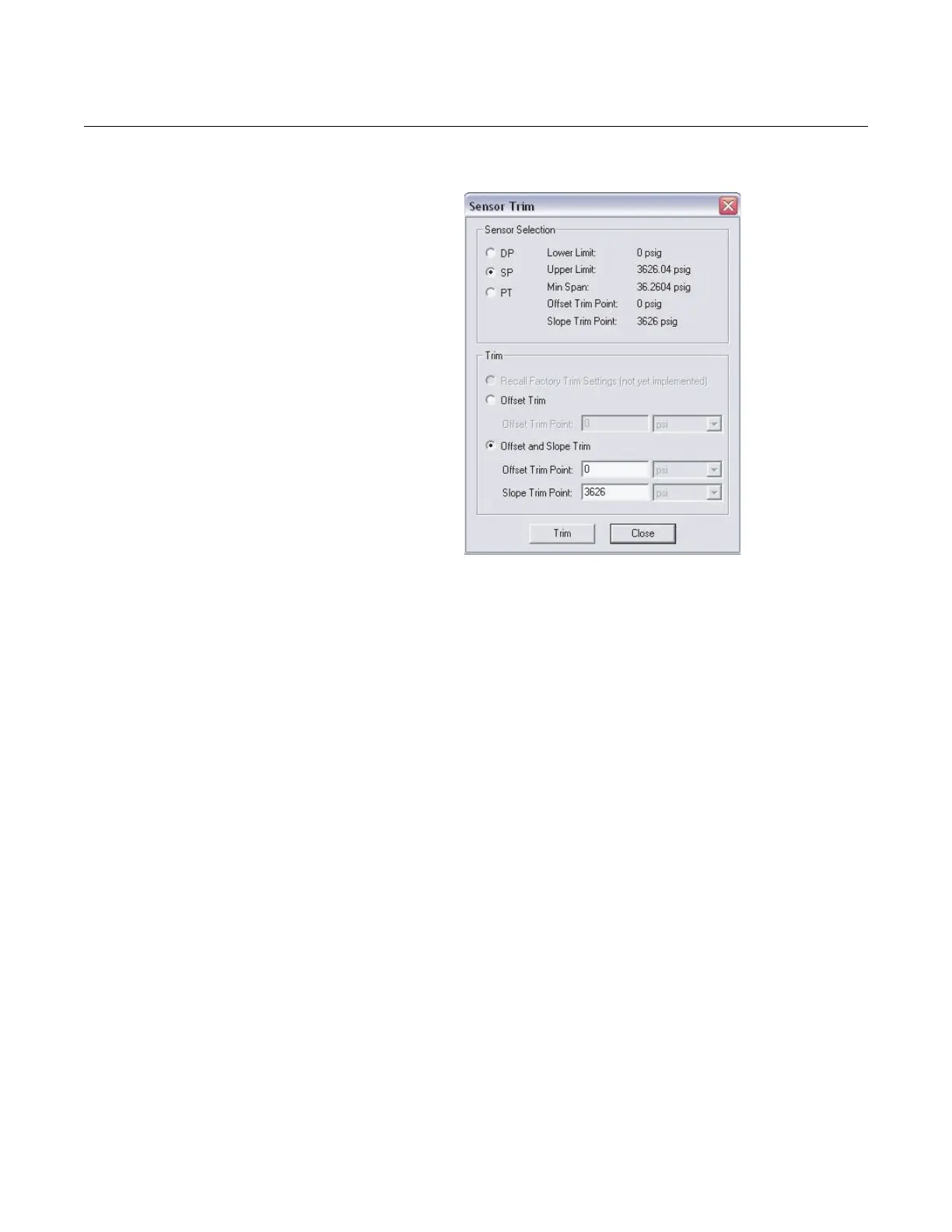
Figure 4-15. Sensor Selection and Trim Screen
2. SP Offset (zero) and Slope (span) Trim
a. Select SP from the Sensor Selection heading, and click Offset
and Slope Trim.
b. Enter the Offset Trim Point and Slope Trim Point values that will
be applied by a reference device, and click Trim.
c. Apply the offset trim value.
• If using a vacuum pump, pull a vacuum to both the high and low
sides of the transmitter. Wait for the measured value to stabilize,
and click OK.
• If vented to atmosphere and using a barometer, wait for the
measured value to stabilize, and click OK.
d. Using a deadweight tester, apply the desired slope trim value (high
pressure value) to both the low and high sides of the transmitter.
Wait for the measured value to stabilize, and click OK.











 To Next Page