38 • Using Soft Panels Ultritouch+Ultrix User Guide (v1.0)
Configuration Requirements
Configuring the Output Monitor window for an Ultritouch PB soft panel requires the following steps:
1. Configure a destination on the Ultrix router to feed the third-party video Codec box. Refer to the Ultrix User
Guide for details on configuring destinations in a database.
2. Configure the third-party video Codec box to convert video to an IP thumbnail. Refer to the documentation that
accompanied your box for details.
3. Decide whether the Output Monitor will be controlled via a standard destination-source selection, or via the
Destination Follow mode.
• The Destination Follow mode allows a user to press any destination button, and the Ultritouch output
monitor will update to show the current source on that destination.
• The Destination Follow selection requires that a destination name be entered on the Ultritouch soft panel
Home View setting, and that the output monitor is defined as a viewable window on the Ultritouch soft
panel.
• The Destination Follow table in the Ultrix database does not need to be configured for this function. The
destination follow table will automatically be populated when the user selects a destination button.
4. On the Ultrix router, configure a new Ultritouch PB soft panel ensuring to:
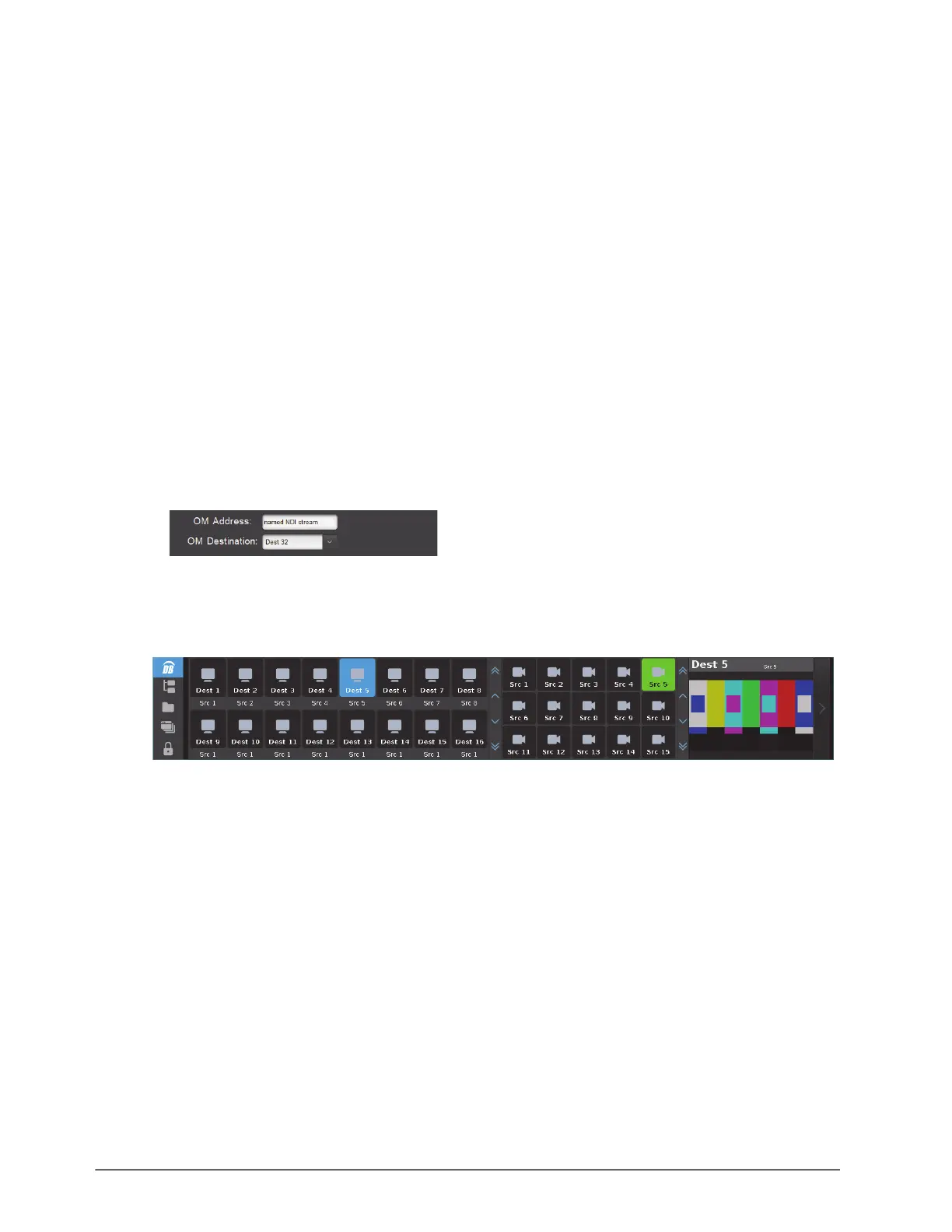
• Use the OM Address field to specify the IP address or named resource of the third-party video Codec box.
• Use the OM Destination field to specify the Destination the Codec is connected to.
• Add an Output Monitor window to the soft panel (either on the Home Windows or as a Drawer feature).
5. Load the soft panel to the Ultritouch.
In the example below, the Output Monitor window displays on the far-right side of the soft panel.



 To Next Page