Alpha 600/601 User’s Guide 97
About the Serial Port
About the Serial Port
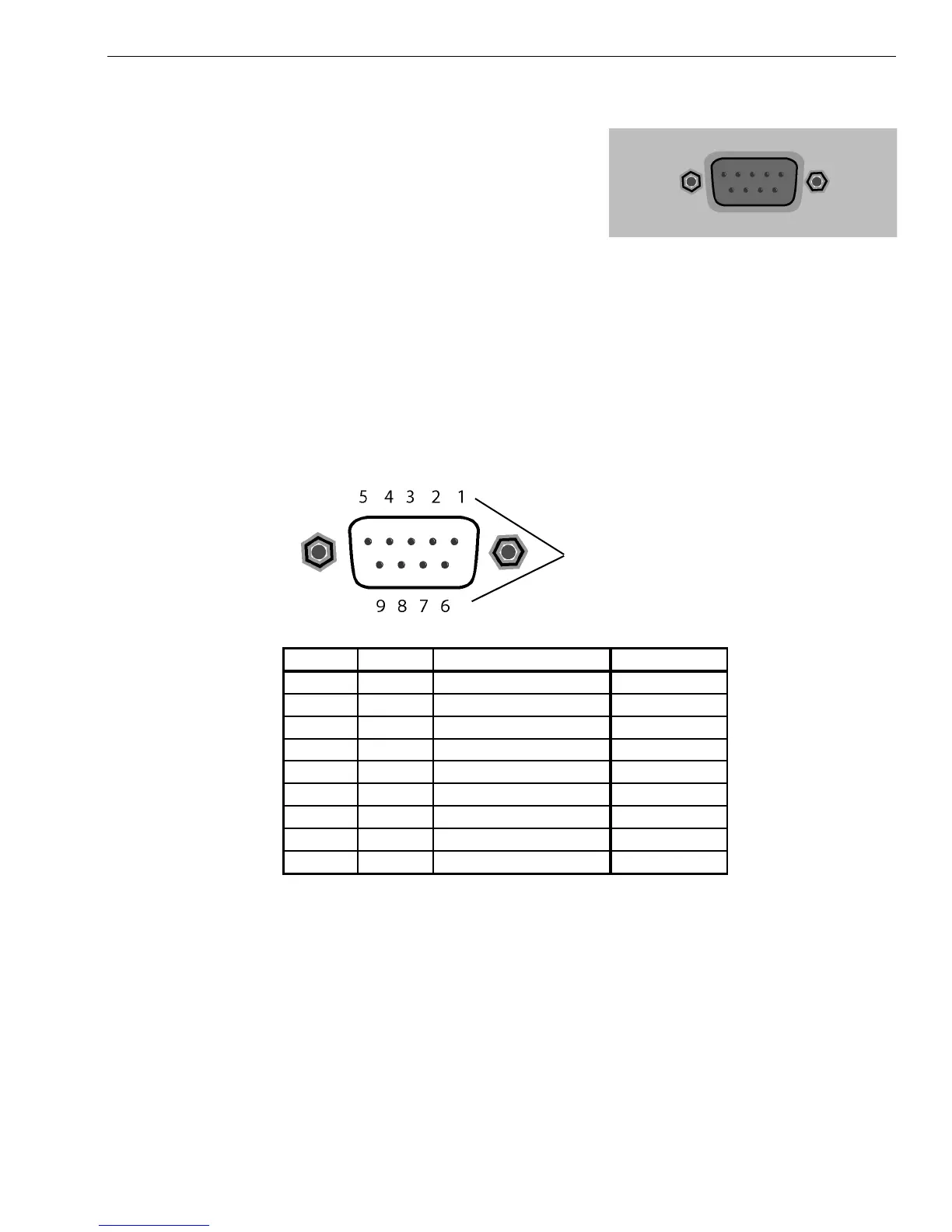
Your cash register includes a serial
port on the right side of the cash
register. You can connect items to the
cash register using this serial port. You
can only connect one device to the
serial port at a time.
To use the barcode reader, you must connect it to the serial port. You can
also connect a computer to the serial port to use the RegisterLink software.
To connect your computer to the serial port, you need a null-modem serial
cable. If you purchased the Alpha 601, a serial cable was included in the
box. If you purchased the Alpha 600 or if you lost your cable, you can
purchase this cable directly from Royal or at any computer supply store.
The pin description for the serial port on the cash register is shown below.
Pin number
Pin No. I/O Signal Name
bbreviation
1NC
2 IN Receive Data RXD
3 OUT Transmit Data TXD
4NC
5 N/A Signal Grand SG
6NC
7 OUT (Request to send) RTS
8 IN (Clear to send) CTS
9 OUT(+5V) Power supply for BCR +5V



 To Next Page