Chapter 11: Examples
112 Alpha 600/601 User’s Guide
Exempting Tax on the Entire Sale
Example 36: Assume the Department 1 key is programmed as a taxable
department. Ring up a $1.00 item and a $1.50 item in Department 1 without
charging tax.
To ring an entire sale without charging tax
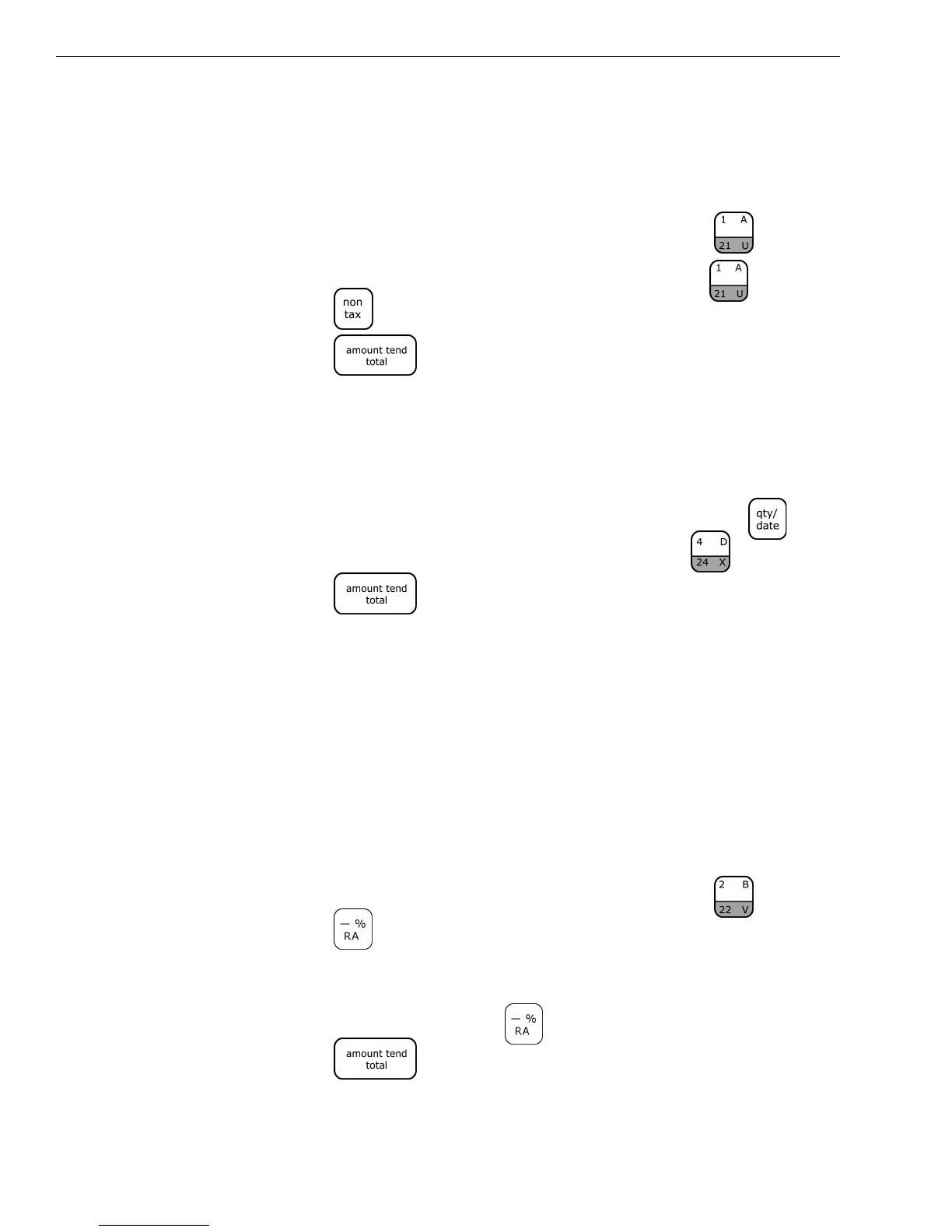
1 In the Number keys area, press 100, and then press the key.
2 In the Number keys area press 150, and then press the key.
3 Press the key.
4 Press the key.
Gallonage Sales Transaction
Example 37: In this example, Department 4 is programmed for Gallonage
Mode and is non-taxable. Ring 10.759 gallons at $1.149 per gallon.
To ring a gallonage sales transaction
1 In the Number keys area, press 10.579, and then press the key.
2 In the Number keys area, press 1149, then press the key.
3 Press the key.
Minus Percentage Discount Sale
Example 38: The following are two versions of Minus Percentage Discount
Sales.
Version 1
Note
If no tax is programmed in your cash register, ring up a $1.00 item in
Department 2 and apply a pre-programmed discount rate of 10%.
To ring a minus percentage discount sale
1 In the Number keys area, press 100, and then press the key.
2 Press the key.
Note
If the Minus Percentage Discount Rate is NOT programmed, type in the
discount rate before pressing the key.
3 Press the key.



 To Next Page