Alpha 600/601 User’s Guide 27
Setting Alphanumeric Descriptions
1 Put the PRG key in the Mode key slot and turn it to the PRG position.
2 If you are prompted for a Manager Password, type the password number
and then press the Check key. If you did not program a Manager
Password, go to the next step.
3 To set Flag #39 to 0, enter 390 and press the Void key.
4 For the first line of the header message, press 31.
5 Press Return.
6 Press 0.
7 Press the Check key.
About Programming Numbers in Header Messages
If you need to print numbers, you must enter the numbers using the
Alphanumeric Code Chart. For example, for the telephone number
999-555-1212, the number 9 is programmed using the character code
39, the number 5 is programmed using the code 35, and so on.
Using Double Wide Characters
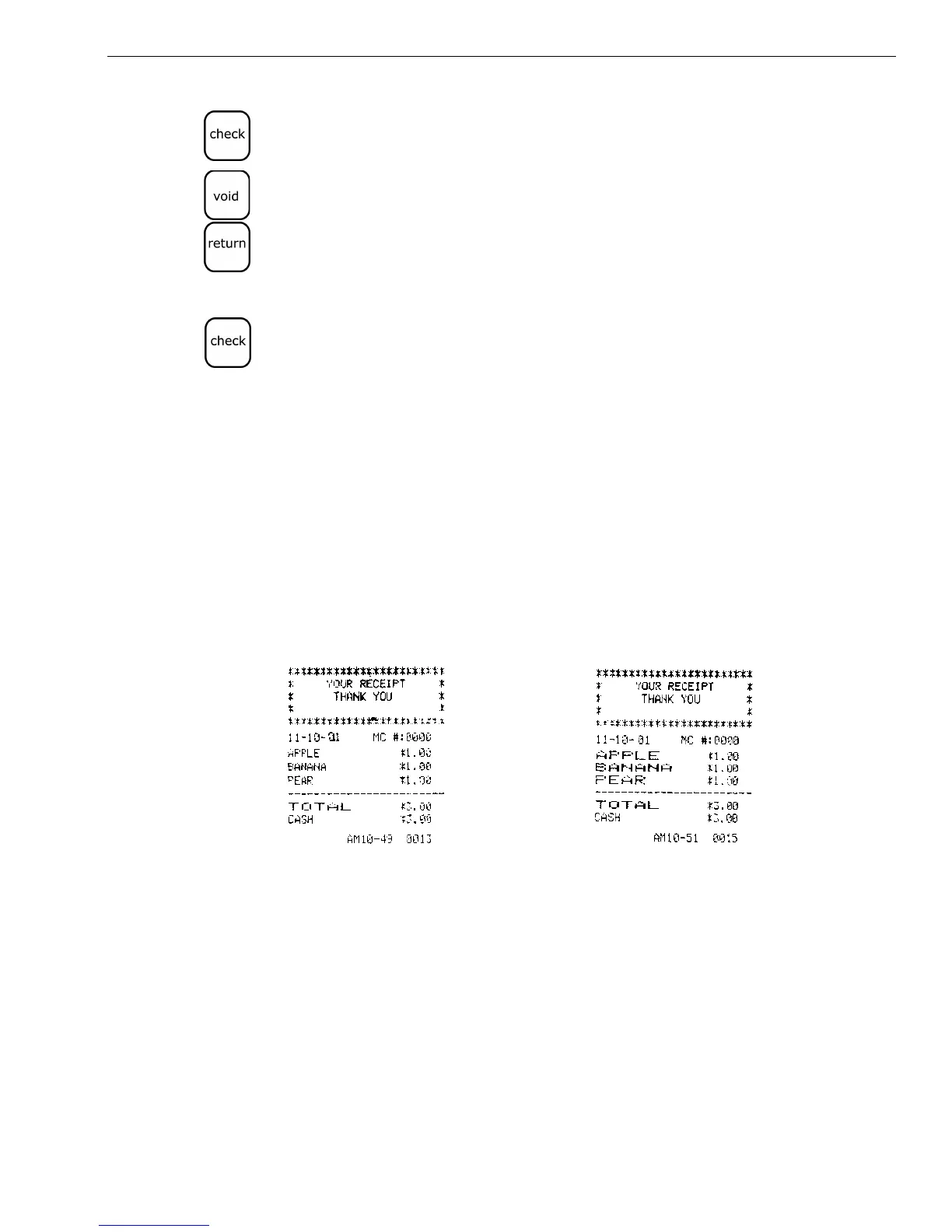
For extra emphasis, you can program double wide characters for a specific
character or a line of characters.
If you use double wide characters, the maximum number of characters
you can use is cut in half.
Normal Size Double Wide
• Department 6 characters
• PLU 6 characters
• Clerk Name 12 characters
• Header Message 5 lines, 12 characters each
• Footer Message 5 lines, 12 characters each



 To Next Page