Alpha 600/601 User’s Guide 109
Charge Sale
Charge Sale
Example 29: Ring up a $1.00 item in Department 1 and finalize the sale with
the charge key.
To ring a charge sale
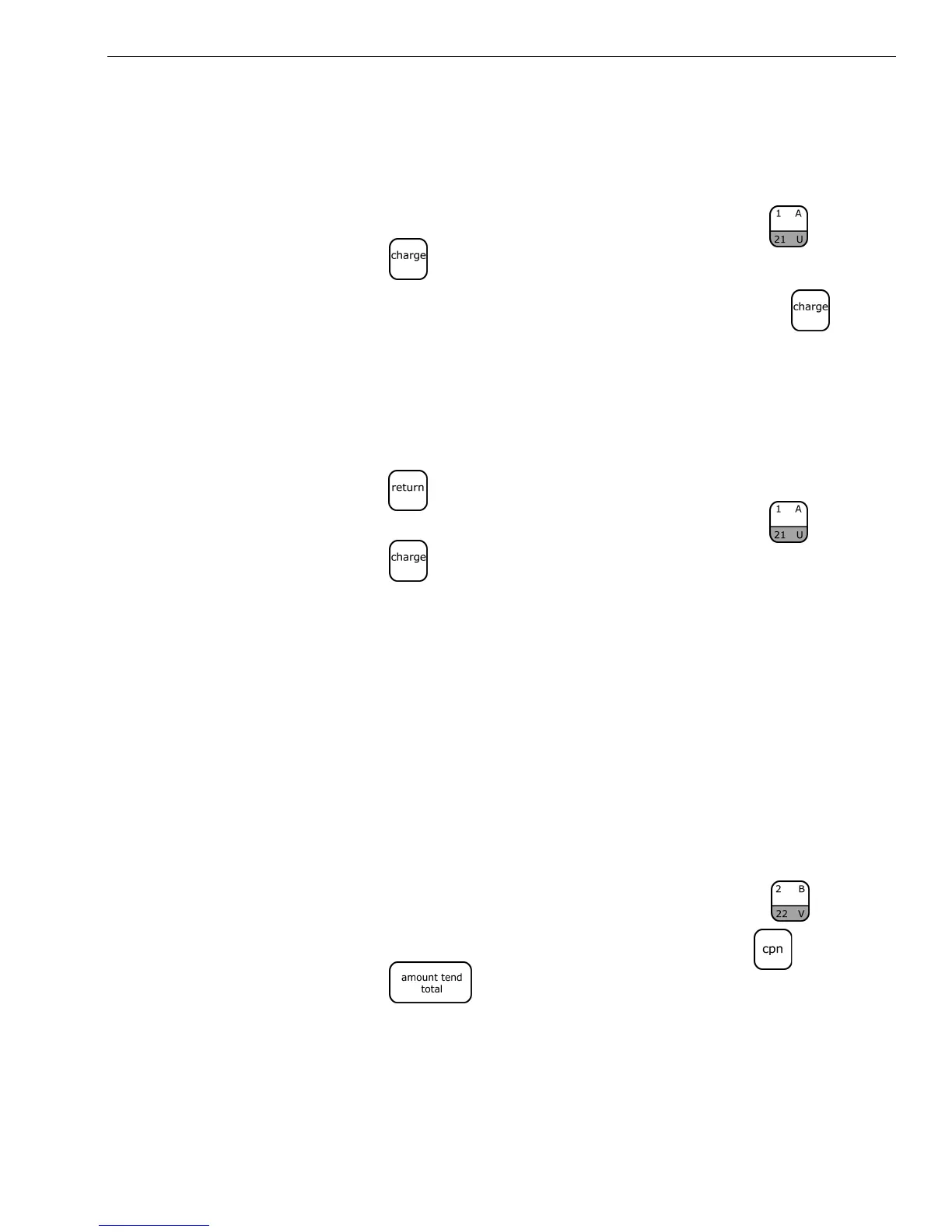
1 In the Number keys area, press 100, and then press the key.
2 Press the key.
You do not have to enter any amounts before pressing the key.
Charge Return
Example 30: Refund $1.00 in Department 1 and credit the return to charge.
To ring a charge return
1 Press the key.
2 In the Number keys area, press 100, and then press the .
3 Press the key.
Coupon Discount Sale
Example 31: There are various versions of ringing up a Coupon Discount sale.
Based on the option selected for the Tax Status Number, select the example
below that best serves your needs.
Version 1a
In the following example, the tax status number for the Coupon key is
programmed for the option 00. If no tax is programmed in your cash
register, ring up $1.00 item in Department 2 and then deduct the 20¢
coupon.
To ring a coupon discount sale
1 In the Number keys area, press 100 and then press the key.
2 In the Number keys area, press 20 and then press the key.
3 Press the key.
Version 1b
If you want to charge the tax rate on the original amount of an item,
before the coupon is deducted, ring up a $1.00 item in Department 1 and
then deduct the 20¢ coupon.



 To Next Page