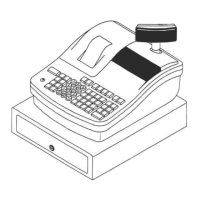
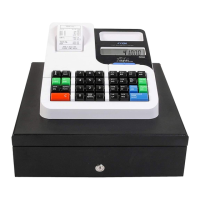
Alpha 600s/601 User’s Guide
Examples
The examples in this section show how to ring up different types of
transactions. A maximum of 7 digits may be used to enter a price.
Reminder
If Clerk Numbers are programmed, be sure to type the CLERK #, then press
the CLERK key, the password and the CHECK key, if programmed, before
ringing up a sale.
To ring up a sale
▼ Put the REG key in the Mode key slot and turn it to the REG1 position.
You are ready to ring up sales.
Important
You do not need to press the Decimal Point when ringing up a price.
The following examples are in this chapter.
• Adding Tax to a Non-Taxable Department
• Cash Sale With Tendering Change
• Cash Sale Without Tendering Change
• Charge Sale
• Charge Return
• Coupon Discount Sale
• Credit Return
• Credit Sale
CHAPTER 11



 To Next Page