Chapter 11: Examples
114 Alpha 600/601 User’s Guide
Multiplying By A Fraction
Example 41: Multiply the quantity of 1.25, as in 1¼ yards of fabric at $1.00 per
yard in Department 1.
Caution
When multiplying by a fraction, you must use the decimal point in the
fraction but not in the dollar amount.
To multiply an item by a fraction
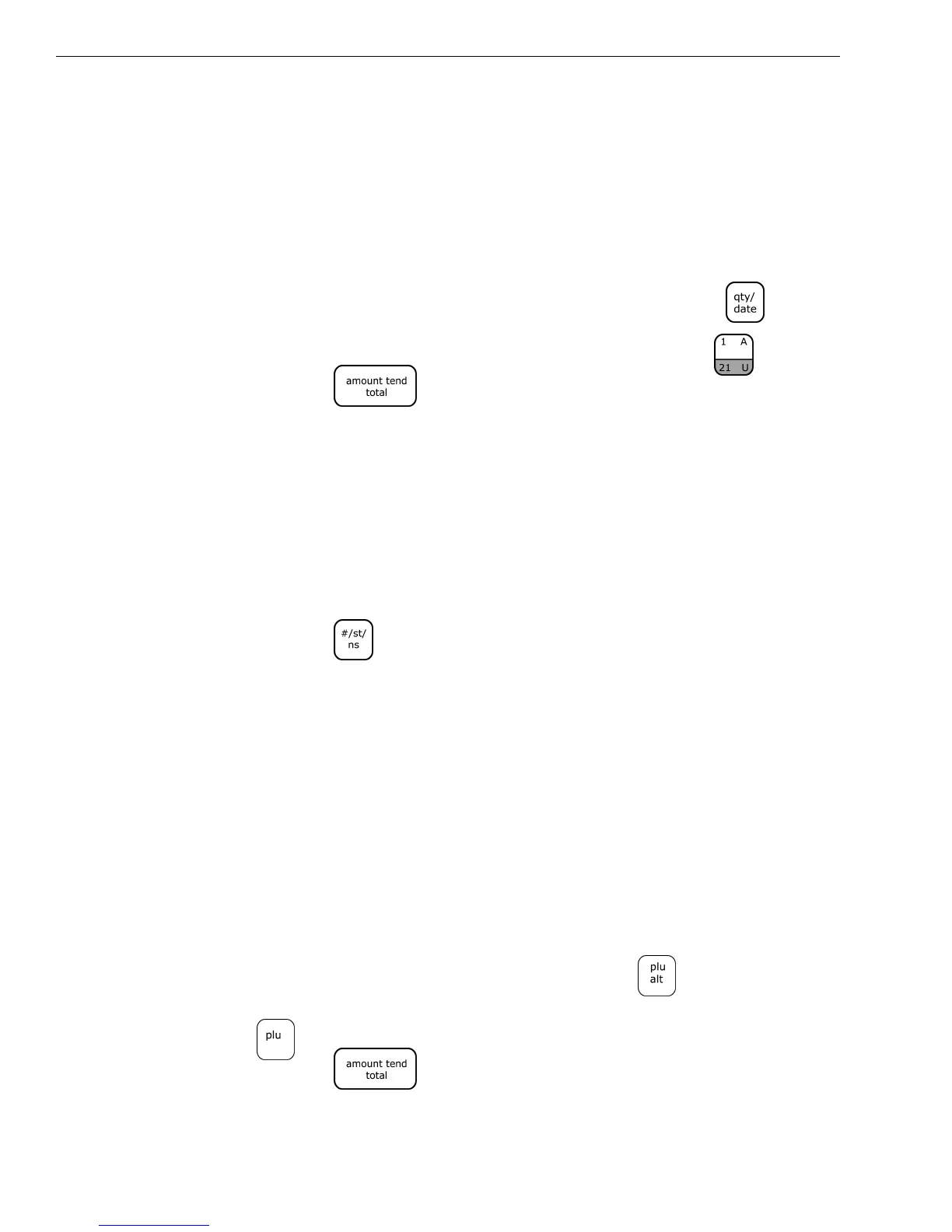
1 In the Number keys area, press 1.25, and then press the key.
2 In the Number keys area, press 100, and then press the key.
3 Press the key.
Note
You can use from .001 to 999.999 when ringing up the quantity of an item.
No-Sale Function
Example 42: Used to open the drawer without ringing up a sale. For example,
to give change.
To use the No Sale function
▼ Press the key. The cash register drawer opens.
Note
The number of times the No-Sale key is used appears on the Management
Reports. For more information about these reports, see Running
Management Reports on page 83.
Overriding a PLU Sale
Example 43: If you need to enter a different price than what is programmed
into a PLU #: Enter the price 100, press the PLU ALT key, enter the PLU #, then
press the PLU key. The word *PRICE* appears above the PLU description or PLU
number.
To override a PLU sale
1 In the Number keys area, press 100, press the key.
2 In the Number keys area, enter the PLU number, and then press the
key.
3 Press the key.
The word *PRICE* appears above the description or PLU #.



 To Next Page