Alpha 600/601 User’s Guide 107
Transaction Codes
The rest of this chapter shows you example transactions.
Reminder
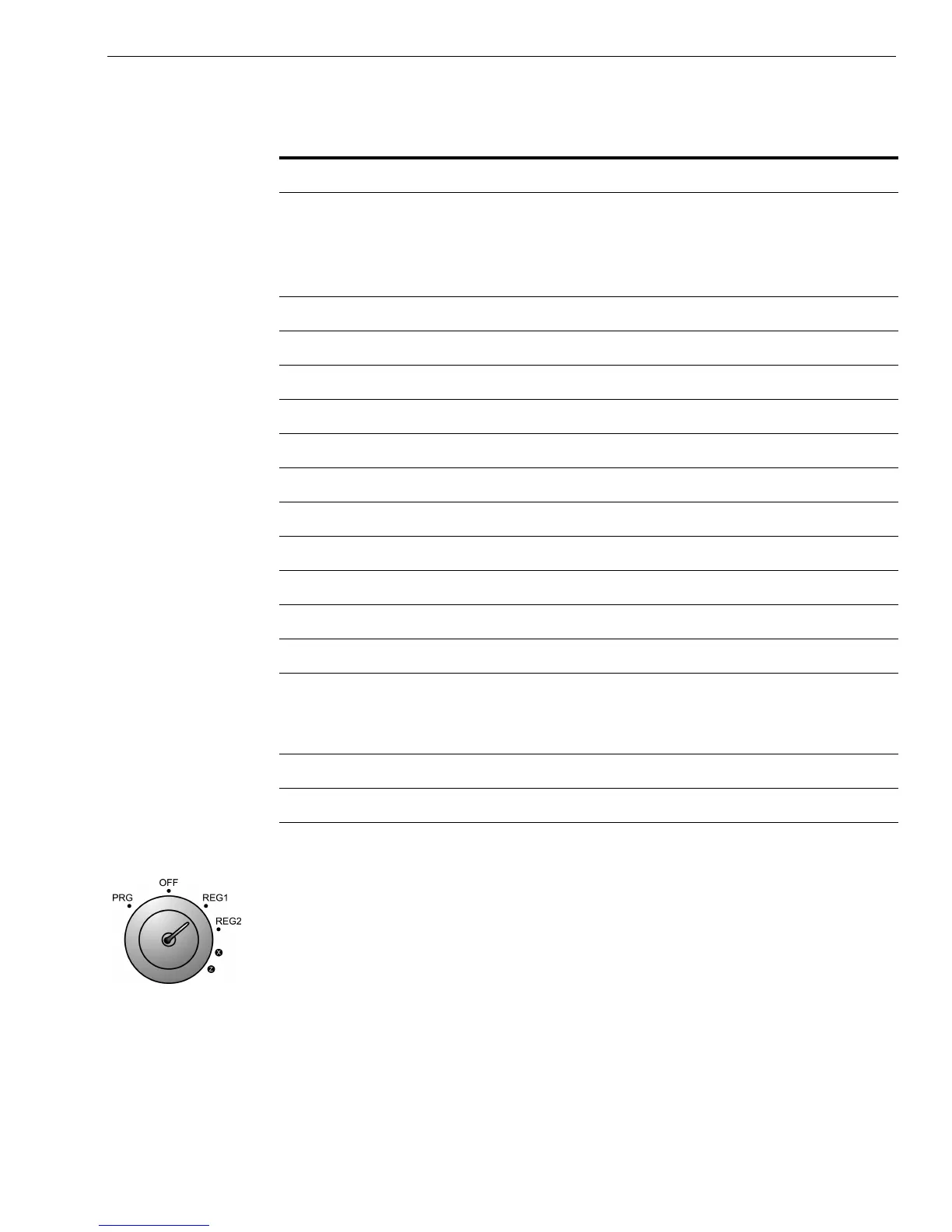
Put the REG key in the Mode key slot and turn it to the REG1 position. You
are ready to ring up sales.
DISCOUNT Minus Percent Discount
DUPLICATE
RECEIPT
After a transaction, you can print a duplicate receipt
by pressing the Subtotal w/Tax key immediately after
the original receipt has finished printing and before
another transaction is started
NO SALE No-Sale Function or Open Cash Drawer
PAID OUT Paid Out
*PRICE* Overriding of a PLU Price
RECD ACCT Received on Account
REFUND Return (Refund)
SUBTTL Subtotal (Excludes Tax)
T1 Tax 1 Rate Applied to a Sale
T2 Tax 2 Rate Applied to a Sale
T3 Tax 3 Rate Applied to a Sale
T4 Tax 4 Rate Applied to a Sale
TOTAL Total of Sale
TX Represents Tax Total if Option 1 is selected on Flag
24. For more information, see Programming Flag
Options on page 65
VOID/CORR Void
X Number of Items Being Multiplied
Table 22 Transaction Codes (Continued)
The code... Means this...



 To Next Page