Alpha 600/601 User’s Guide 11
Programming Department Keys
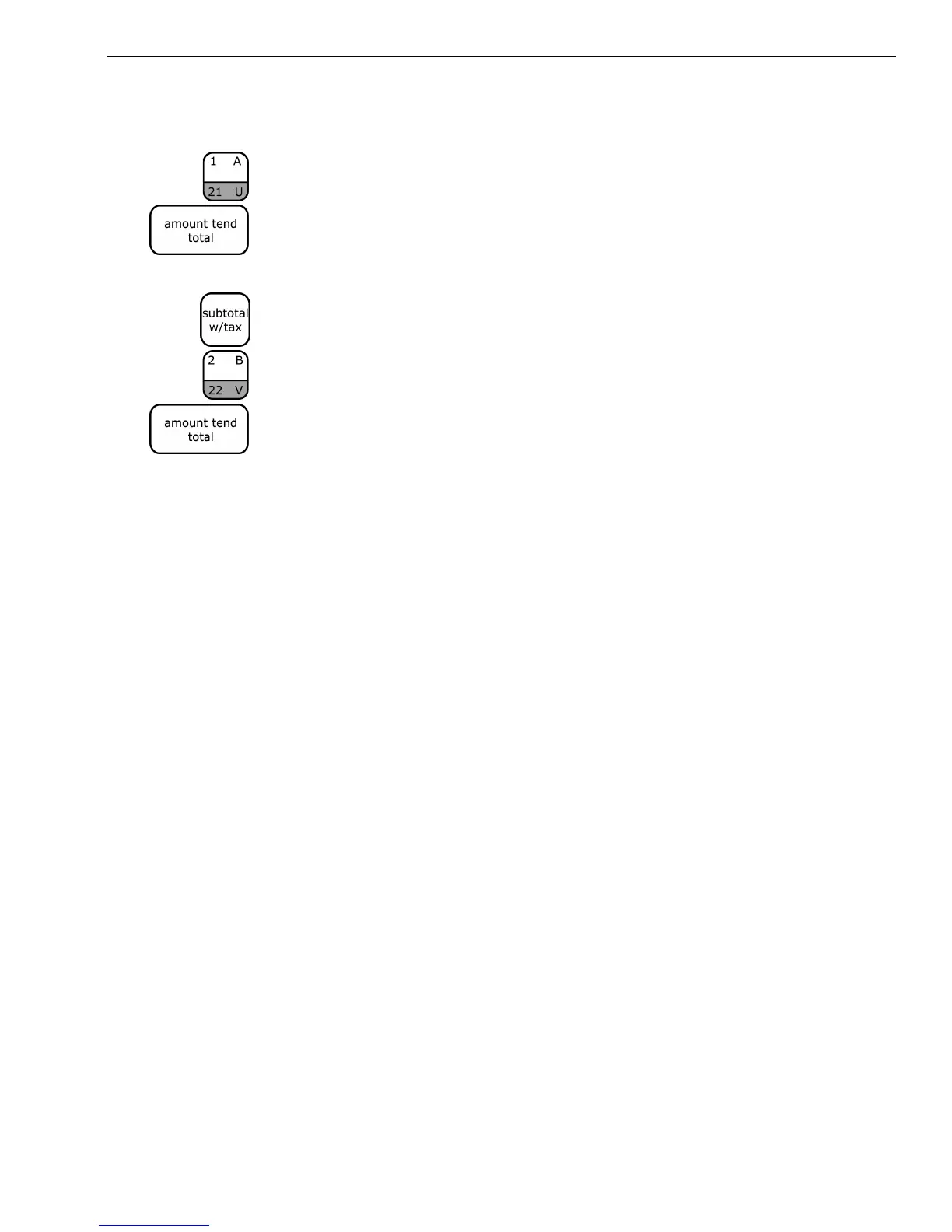
To program Department 1 as taxable with no preset price and no description
1 Using the round Number keys, press 00001 and press the
Subtotal/w/Tax key.
2 Using the round Number keys, press 0 and press the Dept 1 key.
3 Press the Amount Tend/Total key. The department information is saved
in the cash register.
To program Department 2 as non-taxable with no preset price and no
description
1 Using the round Number keys, press 00000 and press the
Subtotal/w/Tax key.
2 Using the round Number keys, press 0 and press the Dept 2 key.
3 Press the Amount Tend/Total key. The department information is saved
in the cash register.
For more information about programming department keys, see
Programming Department Keys on page 41.



 To Next Page