Alpha 600/601 User’s Guide 29
Setting Alphanumeric Descriptions
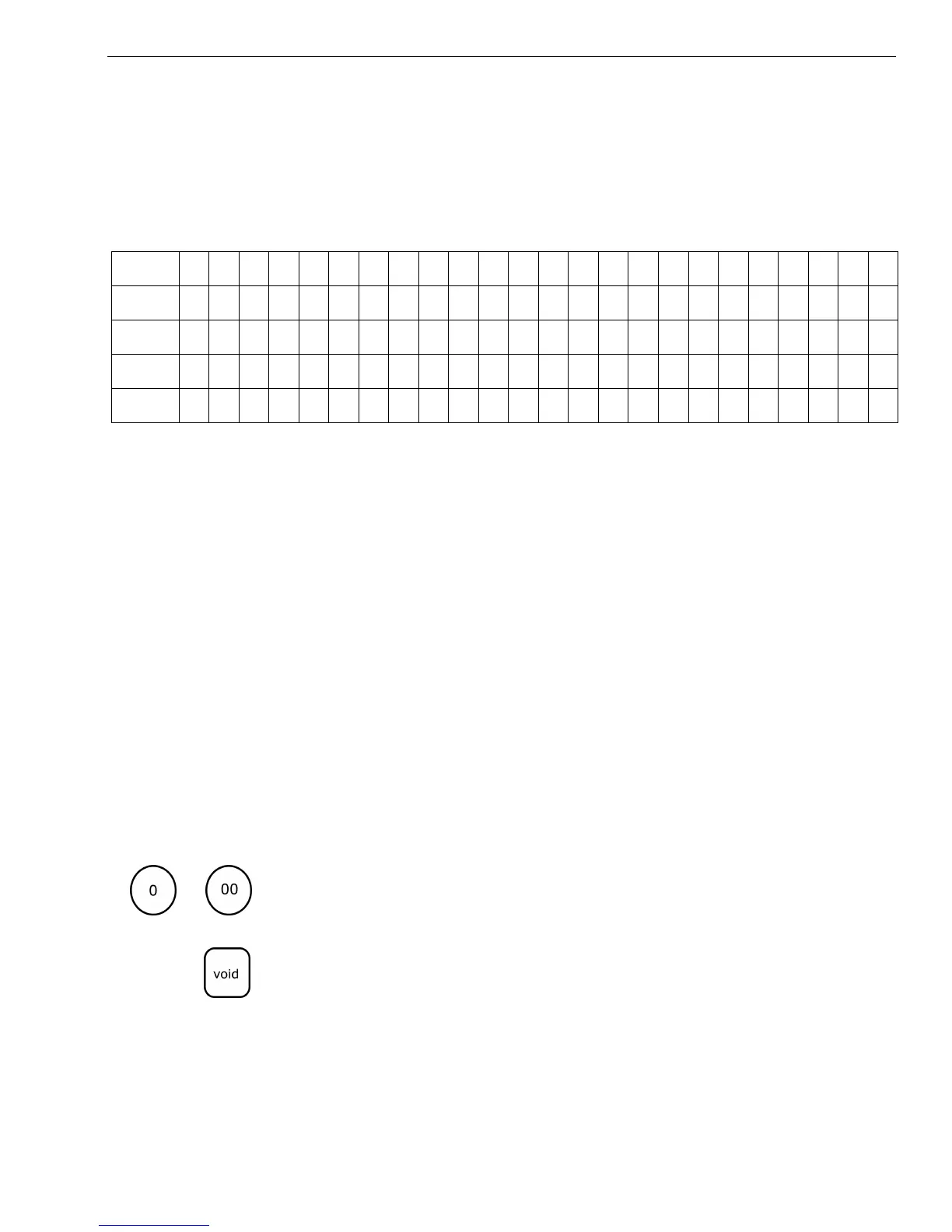
3 Complete the chart, filling in extra unused characters with blank spaces.
In the example, blank spaces are added at the beginning and end of each
line so the message is centered.
Remember, you can make the characters double width but you can only
use half the total number of characters if you do this. For example, if you
want Coffee to be double wide, you need 12 spaces. For more
information about double wide characters, see Using Double Wide
Characters on page 27.
You can also use characters other than those on the Department keys,
such as numbers, punctuation, and international letters. See the
Alphanumeric Code Chart on page 24.
This is an example of a programmed header message:
To make a space to separate words, press the 0 key twice or press the 00
key one time.
Note
If you enter the wrong character, press the Void key to backspace and delete
that character and then continue.
To program your header message
1 Put the PRG key in the Mode key slot and turn it to the PRG position.
222 EAST MAIN STREET 20
OPEN 7AM TO 6PM 15
COFFEES OF THE WORLD 20
INTERNATIONAL COFFEES 21
Line 1
INTERNATIONAL COFFEE
Line 2
999-555-1212
Line 3
222 EAST MAIN STREET
Line 4
OPEN 7AM TO 6PM
Line 5
COFFEES OF THE WORLD
INTERNATIONAL COFFEES
999-555-1212
222 EAST MAIN STREET
OPEN 7AM TO 6PM
COFFEES OF THE WORLD



 To Next Page