© Safe Fleet | 2020 | All rights reserved | Part #: 700-1213 R1
DH4C Installation Guide
p. 15
DH4C Operation
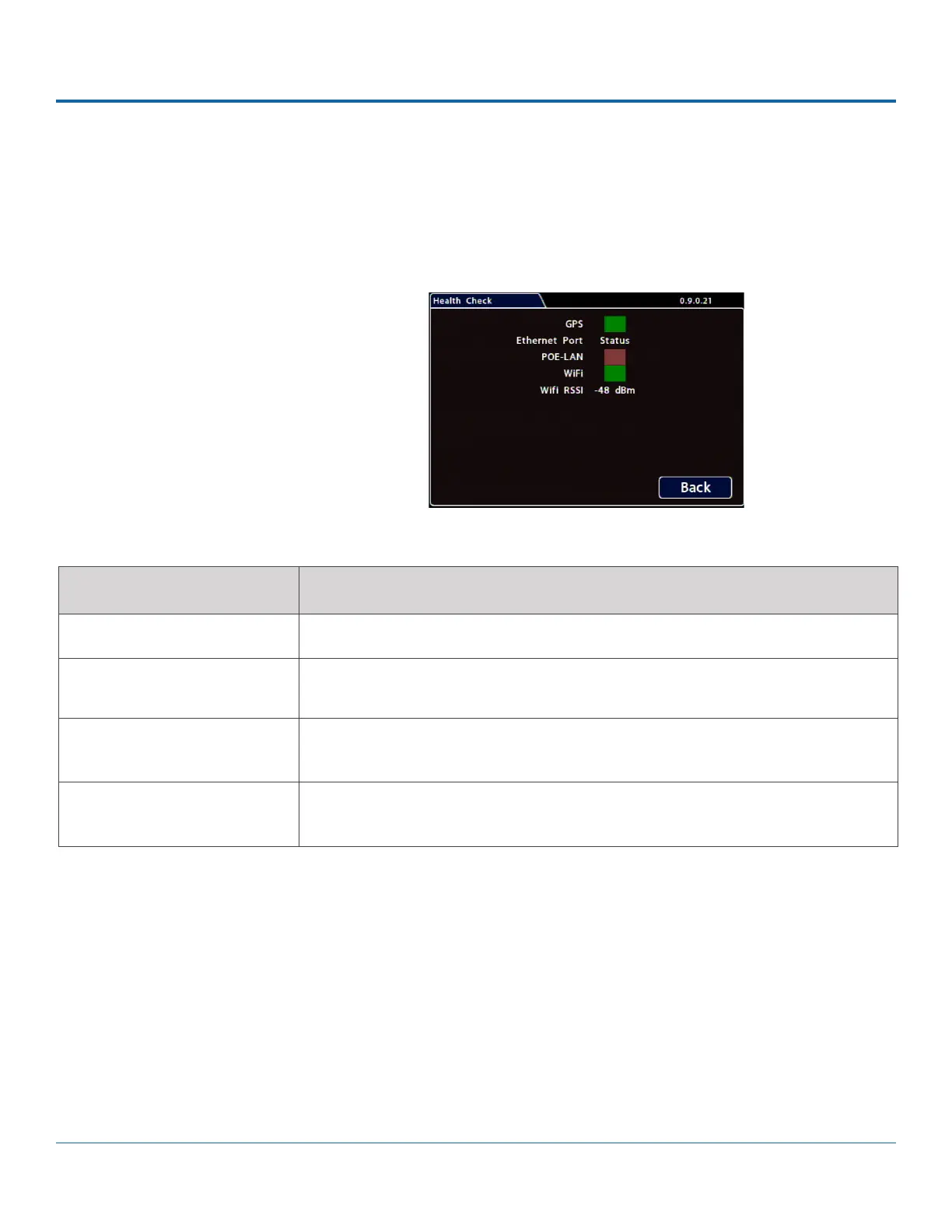
Health Check
The Health Check tab provides information on GPS and Ethernet connectivity, as well as WIFI status.
Before you begin a Health Check, power up the DVR with a monitor and USB mouse connected, then right-click in Live view
and select Conguration.
To display Health Check information:
1. Select Title/Display
2. Health Check.
ITEM DESCRIPTION
GPS Connectivity indicator: green when a GPS location x is achieved; otherwise red.
POE-LAN Connectivity indicator: green when a cable is connected from the DVR's front
POE-LAN port to an operational network device; otherwise red.
WiFi Connectivity indicator: green when connected to a WiFi network access point;
otherwise red.
WiFi RSSI Relative radio frequency signal strength: the lower the dBm value, the stronger the
signal. Reported dBm of between 50-75 indicates a strong signal.



 To Next Page