© Safe Fleet | 2020 | All rights reserved | Part #: 700-1213 R1
DH4C Installation Guide
p. 34
DH4C Advanced Conguration
DH4C Advanced Conguration
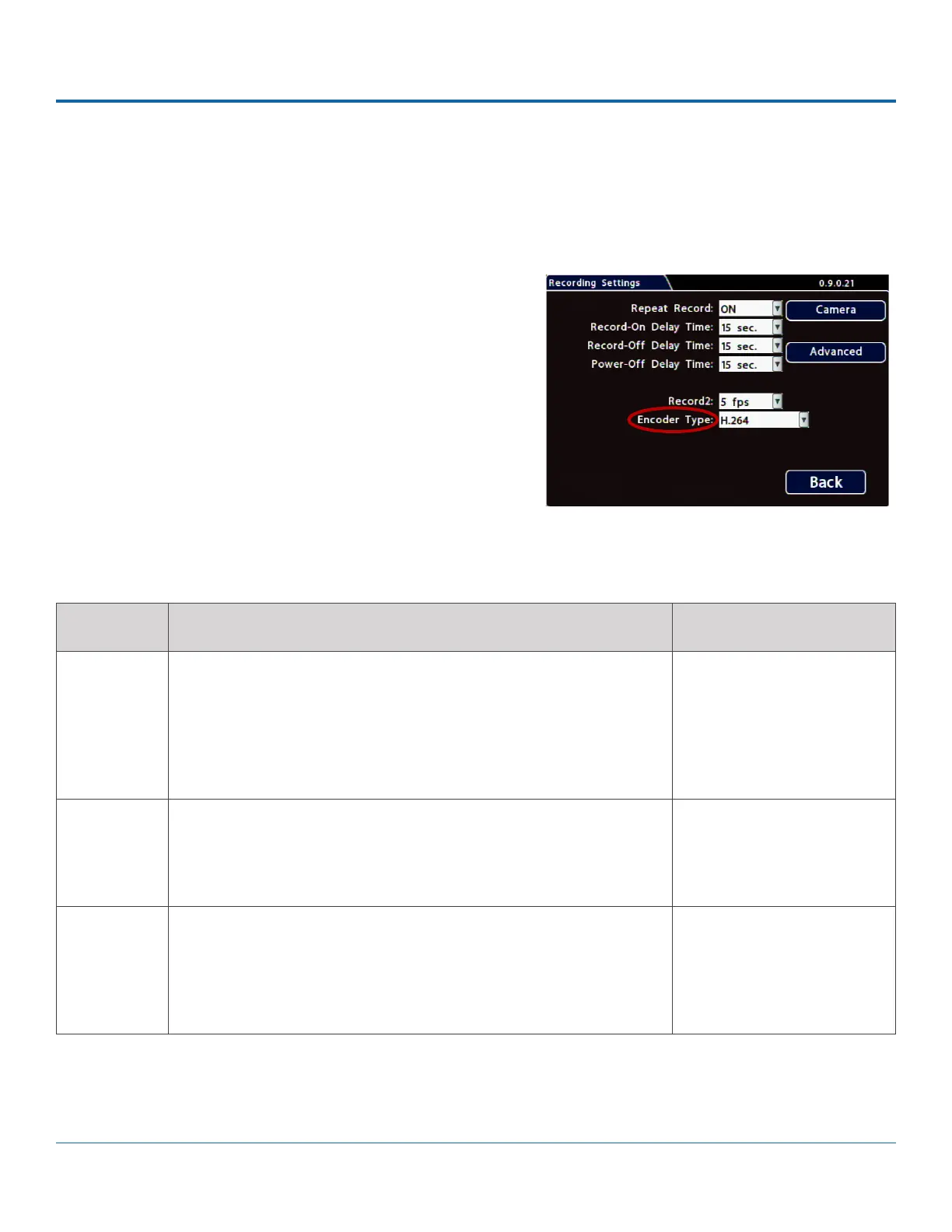
Conguring Recording Settings
To congure recording settings:
1. Select Record to open the tab.
2. Set the record and power delay timers. For details, see Menu
Options, below.
3. To congure Video Watermarking or Time Limited
Recording, click Advanced (for details, see Advanced Menu
Options, below).
4. Click Back to save settings, or click Camera to congure
resolution, recording speed/quality, and other camera
options.
ITEM DESCRIPTION VALUE [DEFAULT]
Repeat
Record
Leave this setting at the default [ON] for the storage media to loop,
and record over the oldest video when it becomes full (the "HD Used"
metadata item displays "Repeating" - for more information see DH4C
Conguration: Title/Display Menu).
When set to OFF, the DVR stops recording when storage is full ("HD
Used" displays 100%).
[ON], OFF
Record-On
Delay Time
Leave at default to let the voltage settle after the vehicle starts up to
prevent voltage drops affecting the DVR.
Enables a time delay after the vehicle ignition is turned on until the DVR
starts.
[15 sec.], 30 sec., 1 min., 5
min., 10 min., 20 min., 30
min.
Record-Off
Delay Time
To keep the DVR and cameras on after the ignition turns off (e.g. to
record the post-trip check), set this to 10 or 20 min.
Enables a time delay to continue recording after the ignition signal to
the DVR is turned off. The power output connector on the DVR rear
panel remains active during this time.
[15 sec.], 30 sec., 1 min., 5
min., 10 min., 20 min., 30
min.
Menu Options



 To Next Page