© Safe Fleet | 2020 | All rights reserved | Part #: 700-1213 R1
DH4C Installation Guide
p. 19
DH4C Administration
Working with Video
Playing Back and Copying Video
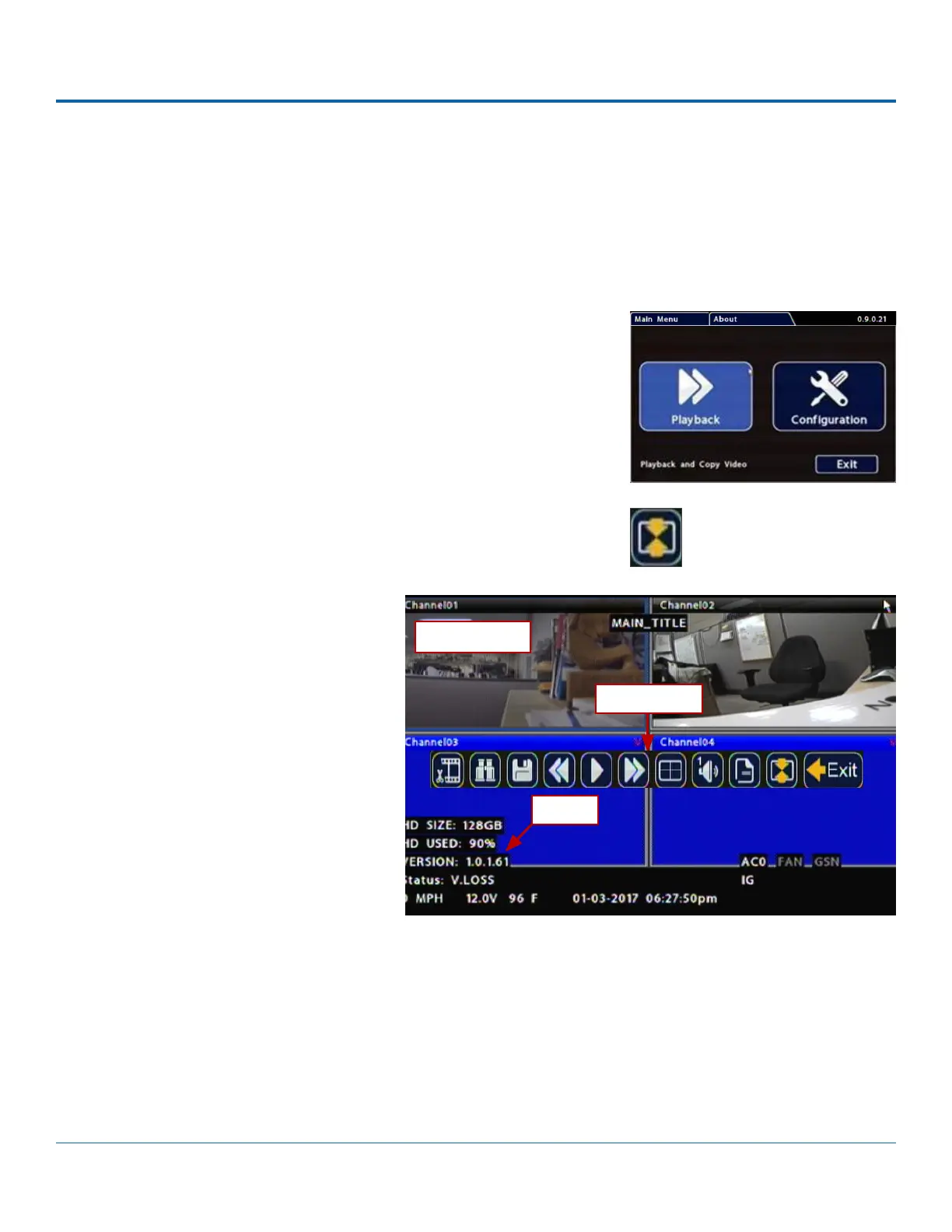
To search, play back, and archive video from the OSD (On-Screen Display)
menus:
1. Connect a portable monitor and USB mouse, and power up the DVR. For
more information, see DH4C Administration: Accessing the On-Screen
Display.
2. Right-click anywhere in the OSD view to access the Main Menu.
3. Click Playback.
4. In the center of the Playback View, click the Show/Hide icon. The
Playback Toolbar appears.
5. Click the icons to browse video and
archive clips.
Multi-camera View
Playback Toolbar
Metadata



 To Next Page