© Safe Fleet | 2020 | All rights reserved | Part #: 700-1213 R1
DH4C Installation Guide
p. 41
DH4C Advanced Conguration
G Sensor settings recommendation
We recommend the default G-Sensor settings for large bus movement detection.
Smaller vehicles may require lower thresholds - some experimentation may be necessary to dene the optimal congu-
ration for each vehicle type. If thresholds are set too low, they may generate many alarms.
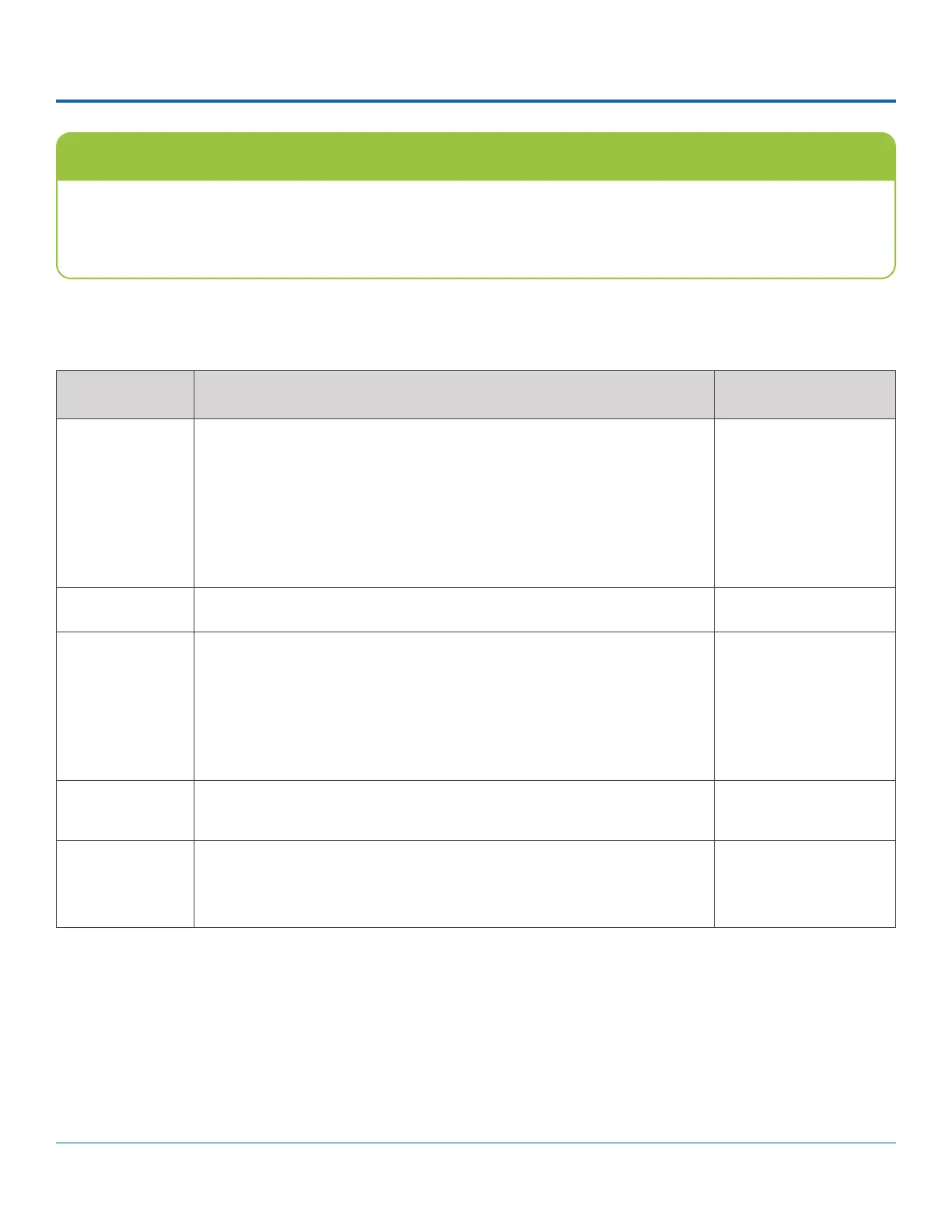
ITEM DESCRIPTION VALUE [DEFAULT]
Axis X - forward/back axis
Y - left/Right axis
Z - vertical axis
Vector - combination of X and Y axes (to capture driver behavior incidents)
Accident - combination of X and Y axes (higher threshold settings, to
capture vehicle accidents)
n/a
Current The current (live) values measured by the G Sensor (display only) n/a
Threshold Set from 0G to 6.0G. This value congures the threshold level. Any value
beyond the threshold triggers the output, as congured in the Output eld.
X = [+/- 2.00]
Y = [+/- 2.00]
Z = [+/- 3.00]
V = [+ 3.00]
A = [+ 5.00]
Output If the specied G Sensor threshold value is exceeded, the DVR triggers the
selected output (DVR log entry, Signal, or Alarm).
[OFF], Log, S01-S10,
ALM1-ALM4
Peak Use the observed peak values to rene threshold settings.
Peak values reect detected G Sensor levels for axis, Vector, and Accident
activity.
n/a
Menu Options



 To Next Page