Modules & Options
PC Camera 7 - 7
7
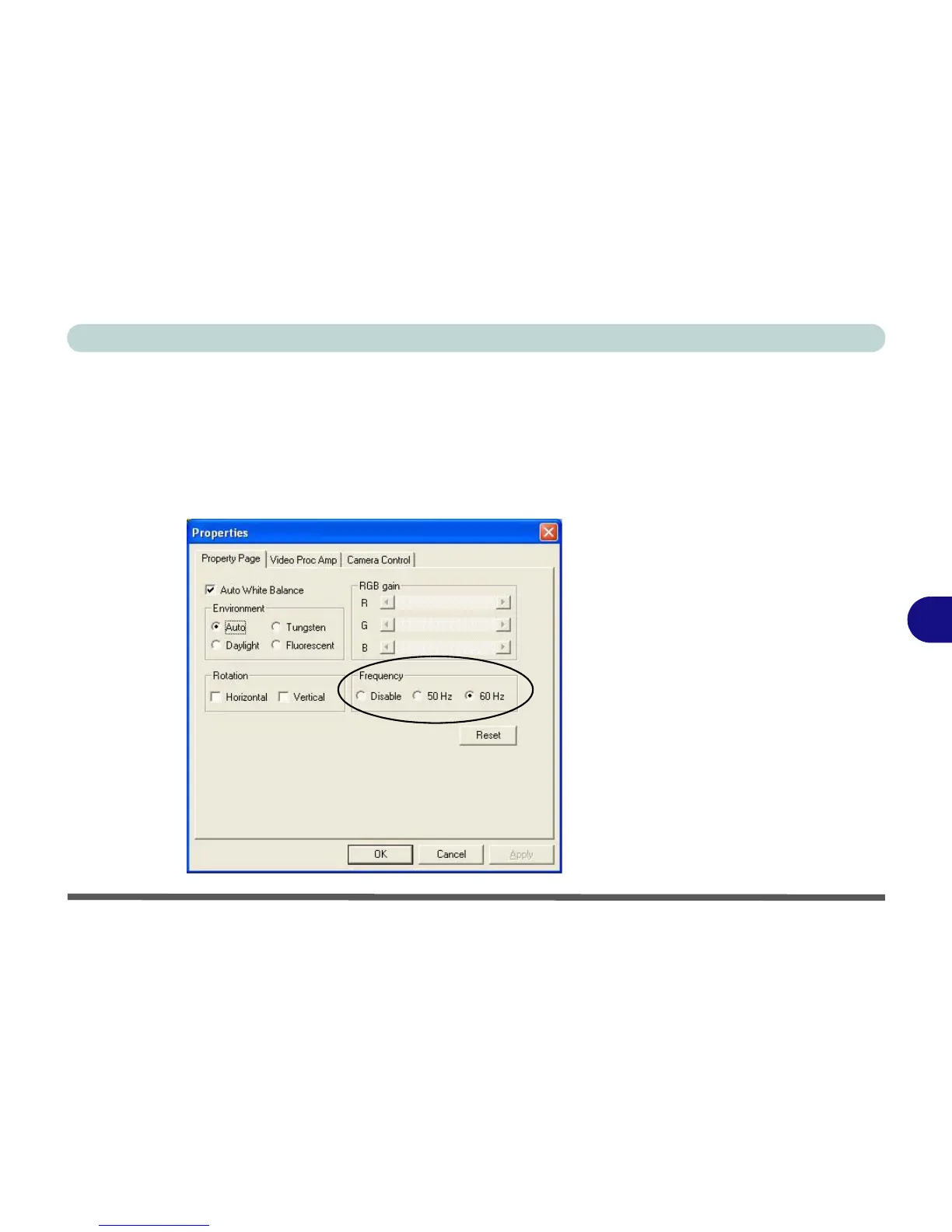
Eliminating Screen Flicker
If you find that the video screen in the BisonCap application is flickering, you can
try to adjust the setting in the Video Capture Filter options.
1. Run the BisonCap program.
2. Go to Options and scroll down to select “Video Capture Filter...”.
3. Click either 50Hz or 60Hz under Frequency in Property Page (tab).
Figure 7 - 2
Video Capture Filter



 To Next Page