Features & Components
2 - 12 TouchPad and Buttons/Mouse
2
TouchPad and Buttons/Mouse
The TouchPad is an alternative to the mouse; however, you can also add a mouse to
your computer through one of the USB ports. The TouchPad buttons function in
much the same way as a two-button mouse.
Configuring the TouchPad and Buttons
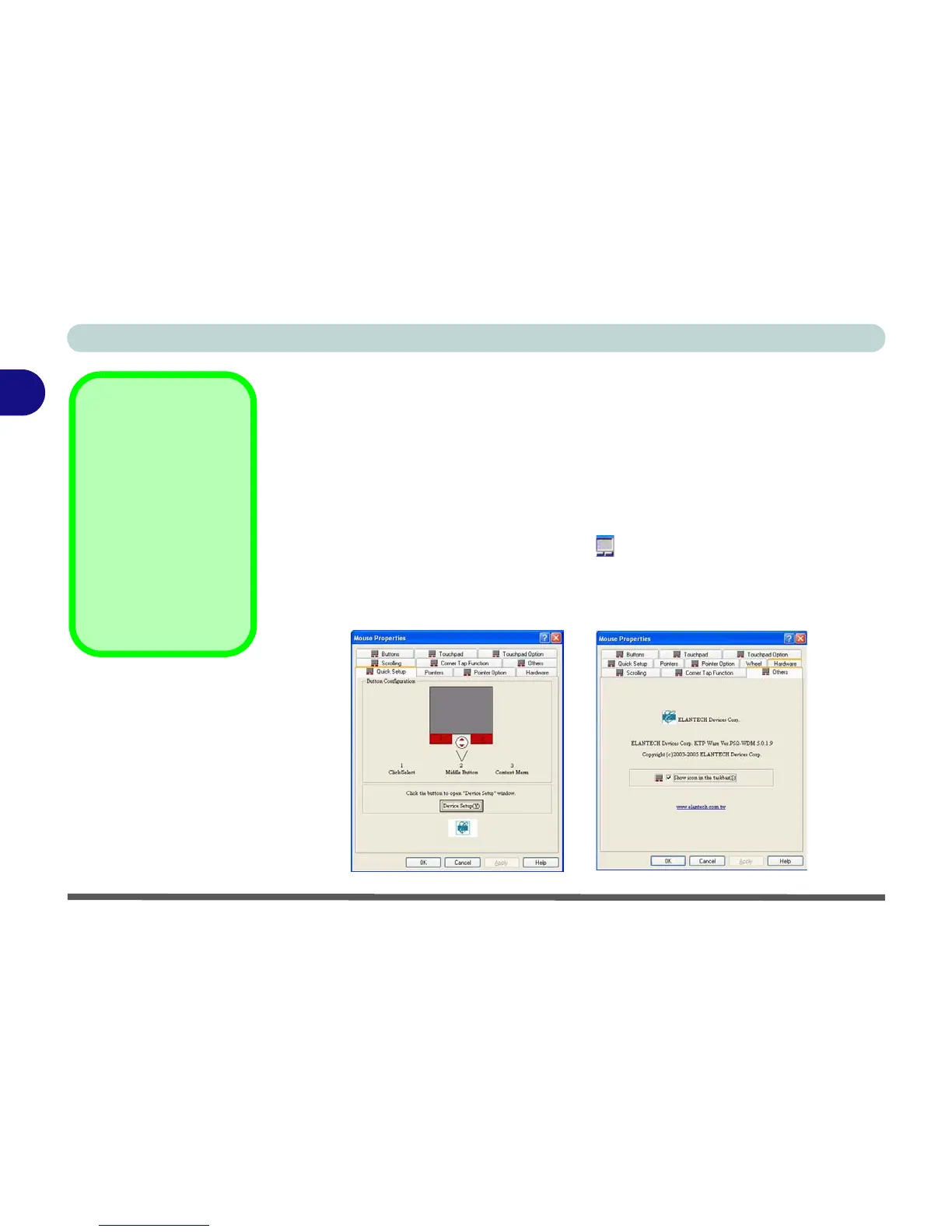
Once you have installed the TouchPad driver you can configure the functions by
double-clicking the TouchPad driver icon in the taskbar, or by going to the
Mouse control panel in Windows (Start menu and point to Settings and click Con-
trol Panel, then double-click the Mouse icon). In Windows XP the Mouse control
panel is in the Printers and Other Hardware Category.
Mouse Driver
If you are using an exter-
nal mouse your operat-
ing system may be able
to auto-configure your
mouse during its instal-
lation or only enable its
basic functions. Be sure
to check the device’s
user documentation for
details.
Figure 2 - 8
Mouse Properties



 To Next Page