LED Indicators 1 - 7
Quick Start Guide
1
LED Indicators
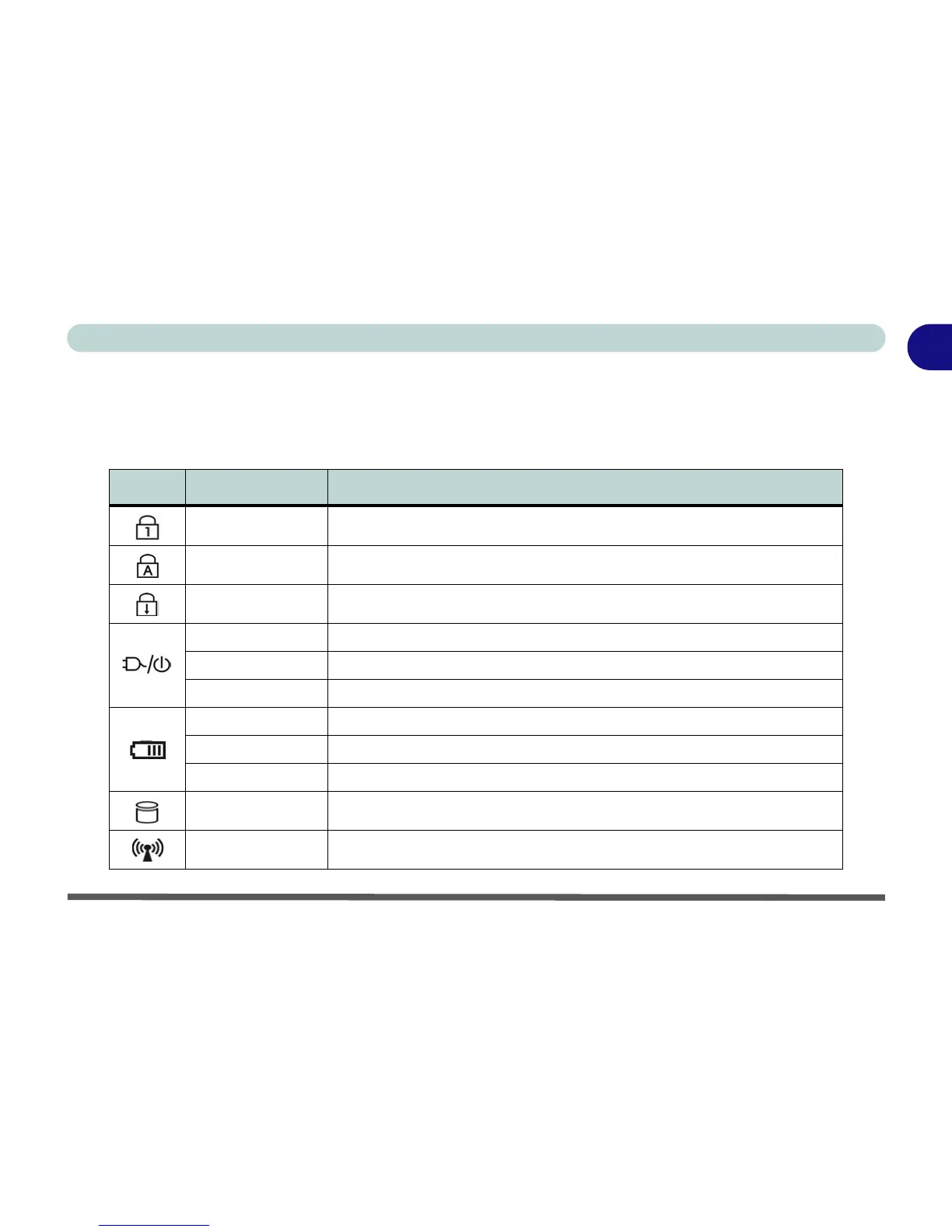
The LED indicators display helpful information about the current status of the computer.
Table 1 - 2 - LED Indicators
Icon Color Description
Green Number Lock Activated
Green Caps Lock Activated
Green Scroll Lock Activated
Green The Computer is On
Blinking Green The Computer is in Stand by Mode
Orange The AC/DC Adapter is Plugged In & the Computer is Powered Off
Orange The AC/DC Adapter is Plugged In & the Battery is Charging
Blinking Orange The Battery has Reached Critically Low Power Status
Green The Battery is Fully Charged
Green Hard Disk Activity
Green The WLAN/Bluetooth Module(s) is/are Powered On



 To Next Page