System Map: Bottom View 1 - 13
Quick Start Guide
1
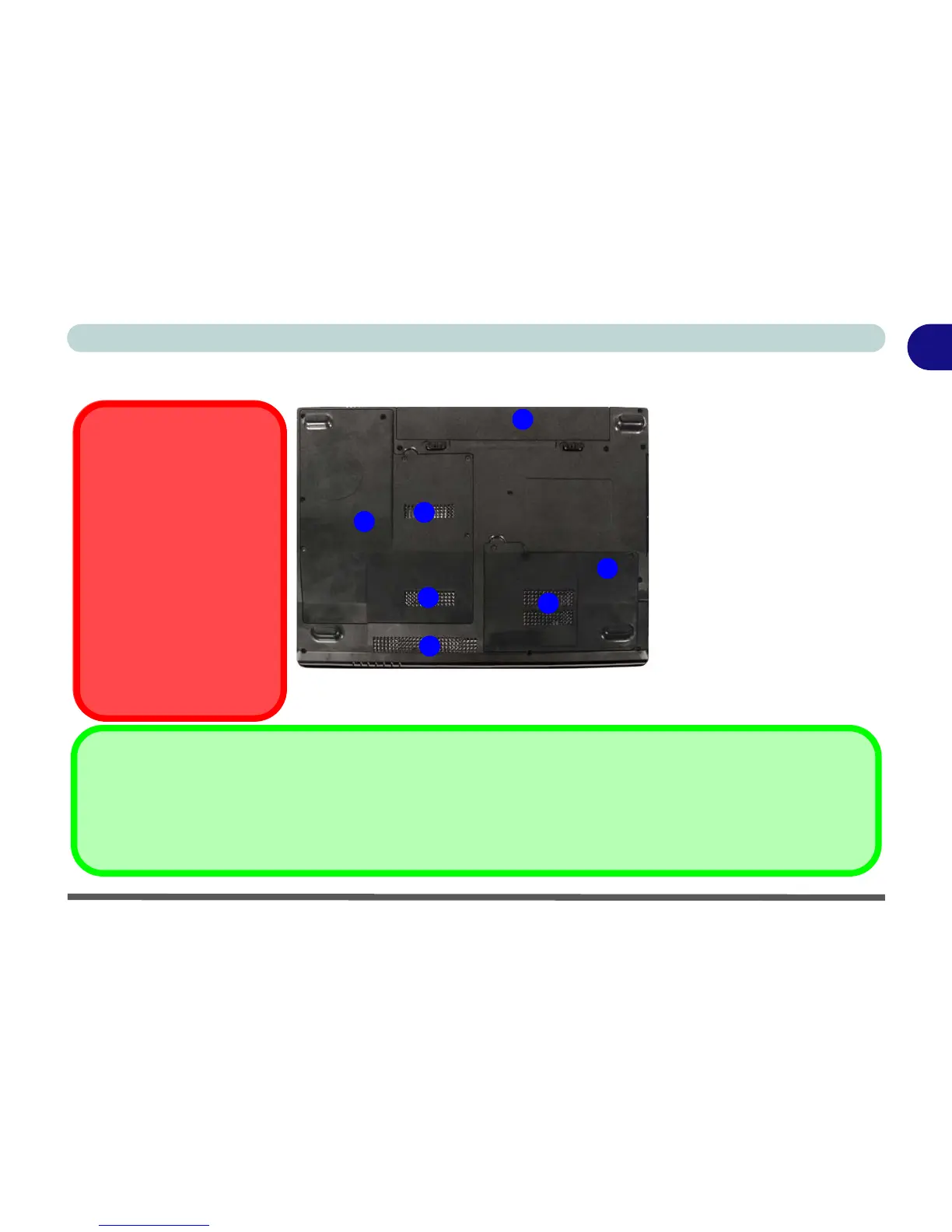
System Map: Bottom View
2
3
CPU
The CPU is not a user ser-
viceable part. Opening this
compartment, or accessing
the CPU in any way, may vi-
olate your warranty.
Overheating
To prevent your computer
from overheating make sure
nothing blocks any Vent/Fan
Intake while the computer is
in use.
Battery Information
Always completely discharge, then fully charge, a new battery before using it. Completely discharge and charge the battery
at least once every 30 days or after about 20 partial discharges. See “Battery Information” on page 3 - 9 for full instruc-
tions.
4
1
1
1
1
Figure 1 - 7 - Bottom View
1. Vent/Fan Intake
2. Battery
3. Hard Disk Bay Cover
4. CPU/RAM Bay Cover



 To Next Page