Power Management
Battery Information 3 - 9
3
Battery Information
Please follow these simple guidelines to get the best use out of your battery.
New Battery
Always completely discharge, then fully charge, a new battery (see “Battery FAQ”
on page 3 - 12 for instructions on how to do this).
Battery Life
Your computer’s battery life is dependent upon many factors, including the pro-
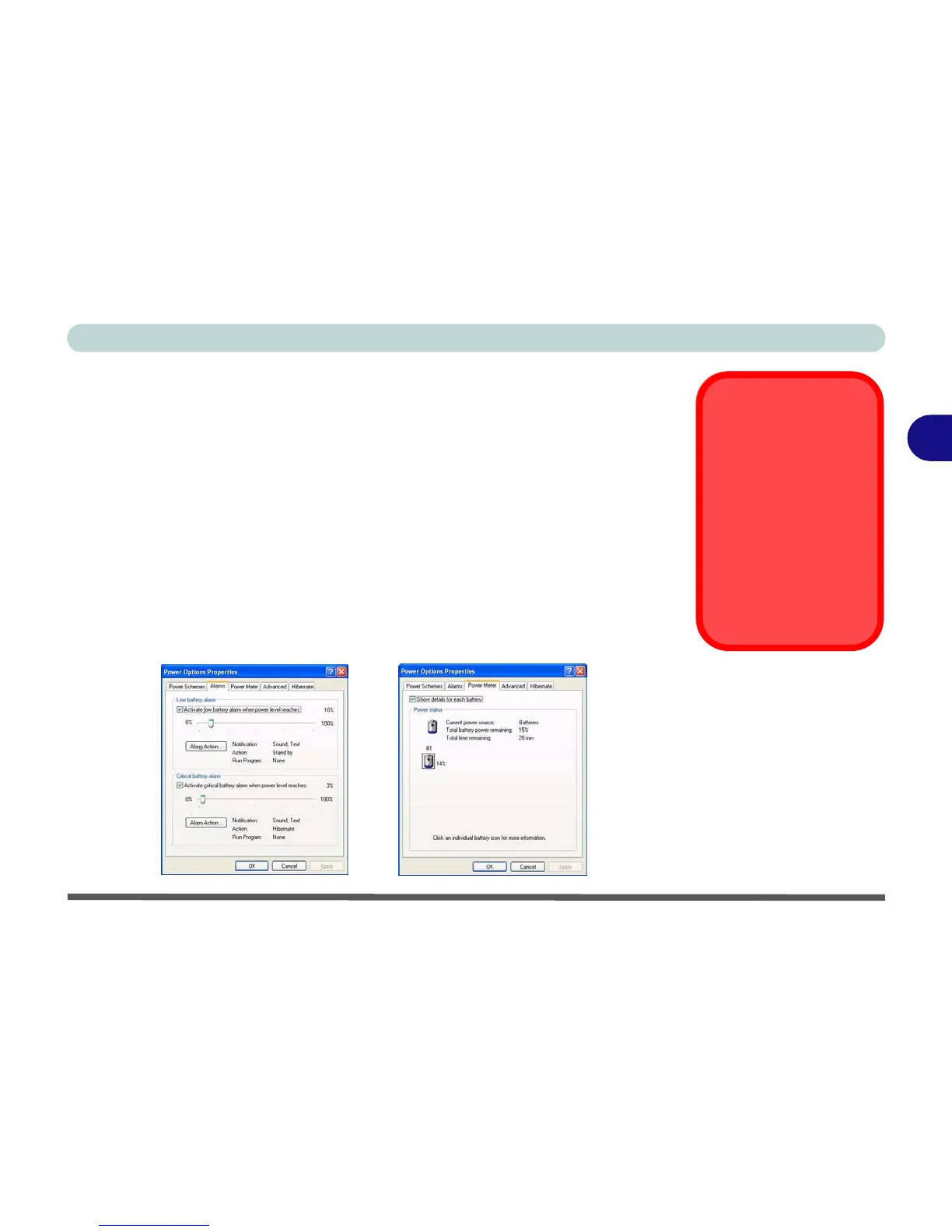
grams you are running, and peripheral devices attached. Power Options (you may
set low battery Alarms and actions, and check the Power Meter from the Power
Options control panel), and settings in the OS will help prolong the battery life if
configured appropriately.
Low Battery
Warning
When the battery is criti-
cally low, immediately
connect the AC/DC
adapter to the computer
or save your work, oth-
erwise, the unsaved
data will be lost when
the power is depleted.
Figure 3 - 4
Power Options
(Alarm & Power
Meter)



 To Next Page