Interface (Ports & Jacks)
A - 4 Interface (Ports & Jacks)
A
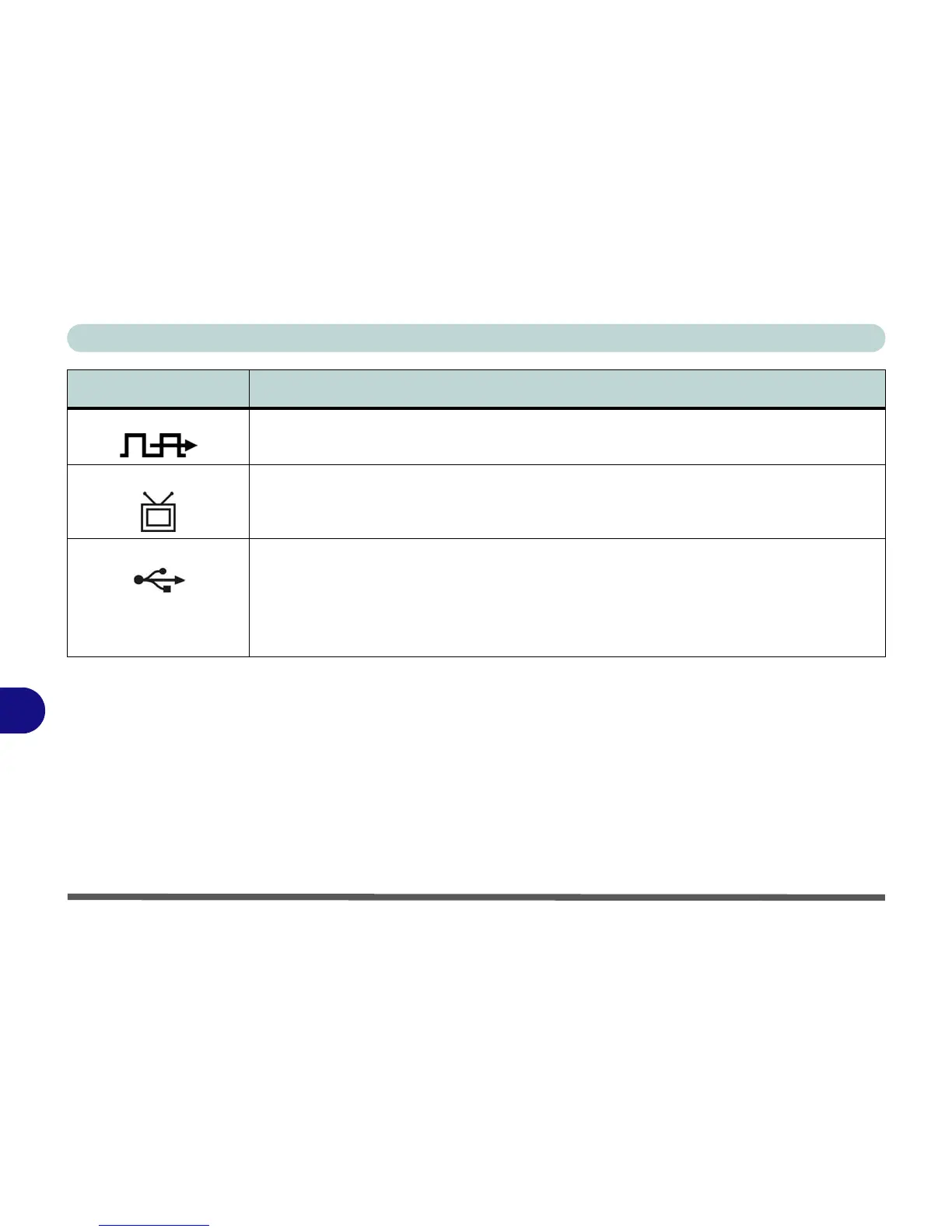
S/PDIF-Out Jack This S/PDIF (Sony/Philips Digital Interface Format) Out Jack allows you to connect your DVD-
capable PC to a Dolby AC-3 compatible receiver for “5.1” or ‘dts’ surround sound.
7-Pin S-Video-Out Jack Connect your television to your computer and view DVDs, VCDs or anything else your computer
can display. You will need a 7-Pin S-Video plug to 4-pin S-Video jack adapter and S-Video cable
to make the connection (see “7-Pin S-Video-Out Jack” on page 1 - 12).
USB 2.0/1.1 Ports These USB 2.0 compatible ports (USB 2.0 is fully USB 1.1 compliant) are for low-speed
peripherals such as keyboards, mice or scanners, and for high-speed peripherals such as
external HDDs, digital video cameras or high-speed scanners etc. Devices can be plugged into
the computer, and unplugged from the computer, without the need to turn the system off (if the
power rating of your USB device is 500mA or above, make sure you use the power supply which
comes with the device).
Item Description



 To Next Page