Interface (Ports & Jacks)
Interface (Ports & Jacks) A - 5
A
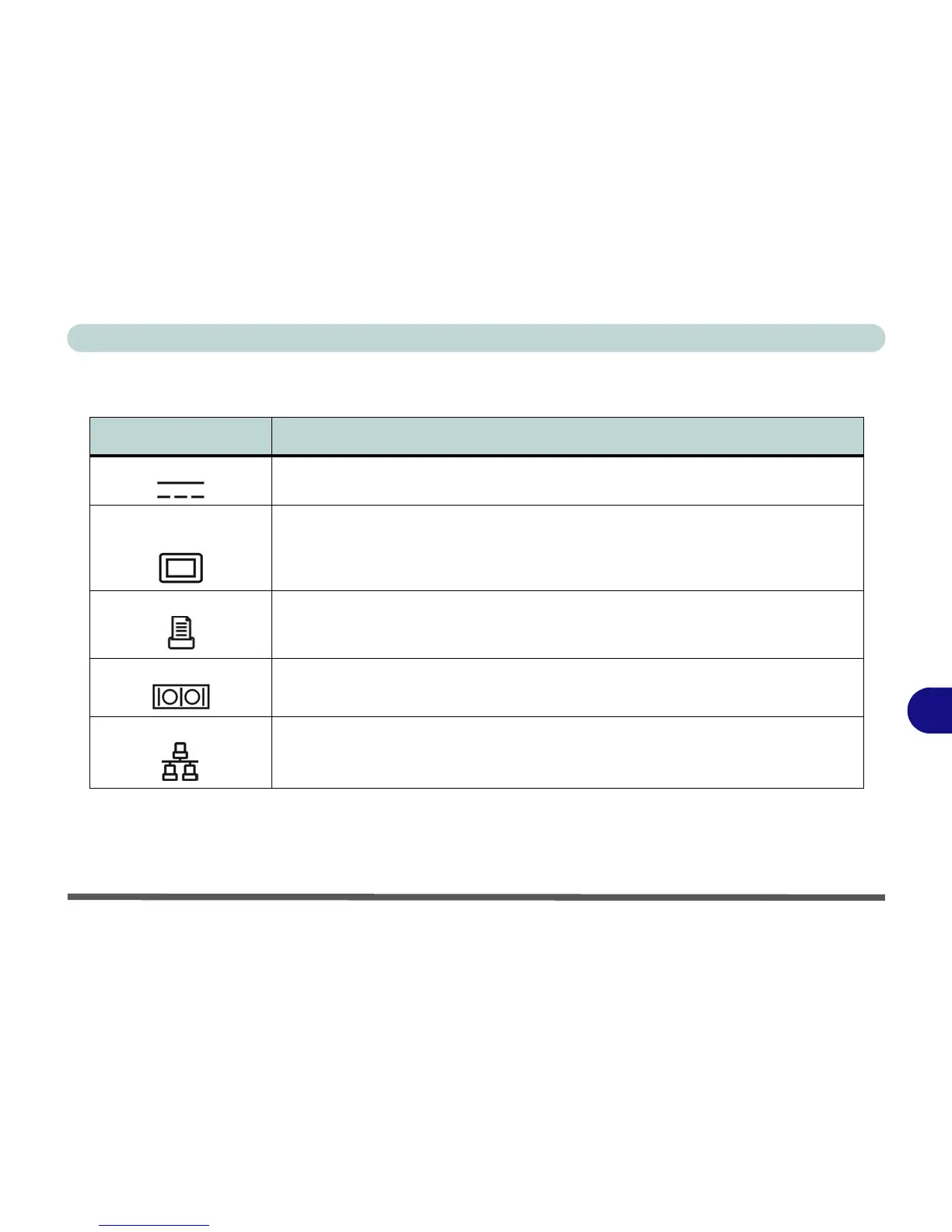
Optional Port Replicator Ports and Jacks
Item Description
DC-In Jack Plug the supplied AC/DC adapter into this jack to power your computer.
External Monitor (VGA)
Port
This port allows you to connect an external monitor, or Flat Panel Display, to get dual video
or simultaneous display on the LCD and external monitor/FPD (see “Display Devices” on
page B - 5).
Parallel Port Connect a parallel type printer to this port. The port supports ECP (Extended Capabilities
Port) and EPP (Enhanced Parallel Port) 1.7/1.9 modes.
Serial Port Connect a serial type mouse to this port (make sure you install the driver - see “Port
Replicator Serial (COM) Port Driver (WinXP)” on page 7 - 14).
RJ-45 LAN Jack This port supports LAN (Network) functions.
Note: Broadband (e.g. ADSL) modems usually connect to the LAN port (make sure you
install the driver - see “Port Replicator Network (LAN) Driver (WinXP)” on page 7 - 15).



 To Next Page