Intel Video Driver Controls
B - 12 Power Settings
B
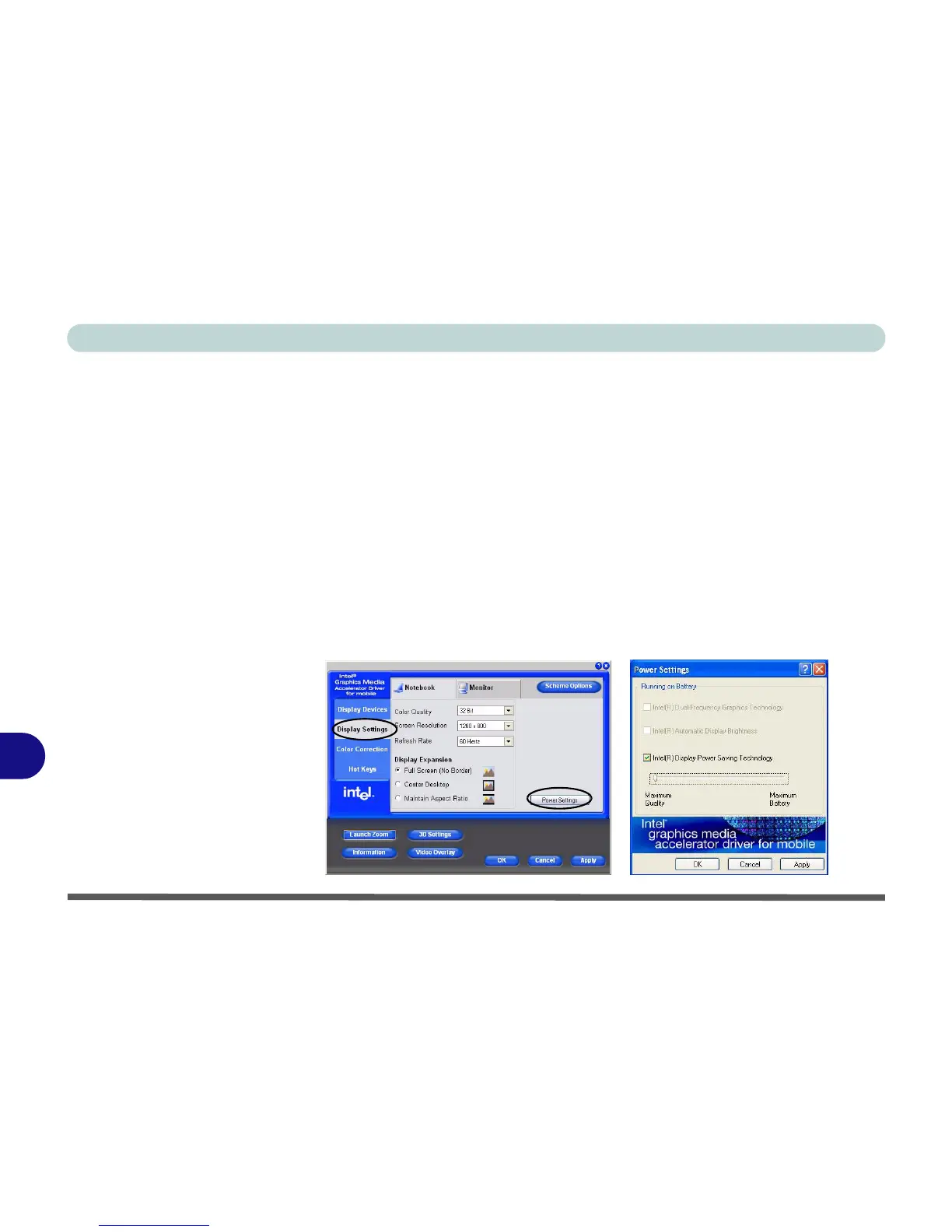
Power Settings
Click the Power Settings button in Display Settings (tab) to set the display options
based on power status of the computer.
Intel Display Power Saving Technology
If this option is enabled, the system will adjust LCD brightness and contrast in order
to save power (when the notebook LCD is the only display device and the system is
battery powered).
Intel Dual-Frequency Graphics Technology
If this option is enabled, the system will adjust the output frequency of the graphics
adapter in order to save power (when the notebook LCD is the only display device
and the system is battery powered).
Figure B - 9
Power Settings



 To Next Page