Modules & Options
7 - 10 Intel WLAN Module
7
Intel WLAN Driver Installation
1. Make sure the module is powered on, and then insert the Device Drivers &
Utilities + User’s Manual CD-ROM into the CD/DVD drive.
2. Double-click Wlan.
OR
Click Start (menu) > Run... and navigate (Browse...) to
D:\Drivers\Wlan\Autorun.exe and click OK.
3. Click Install Software (button).
4. Click the button to accept the license and click Next > Next > OK.
5. Click OK to complete the installation.
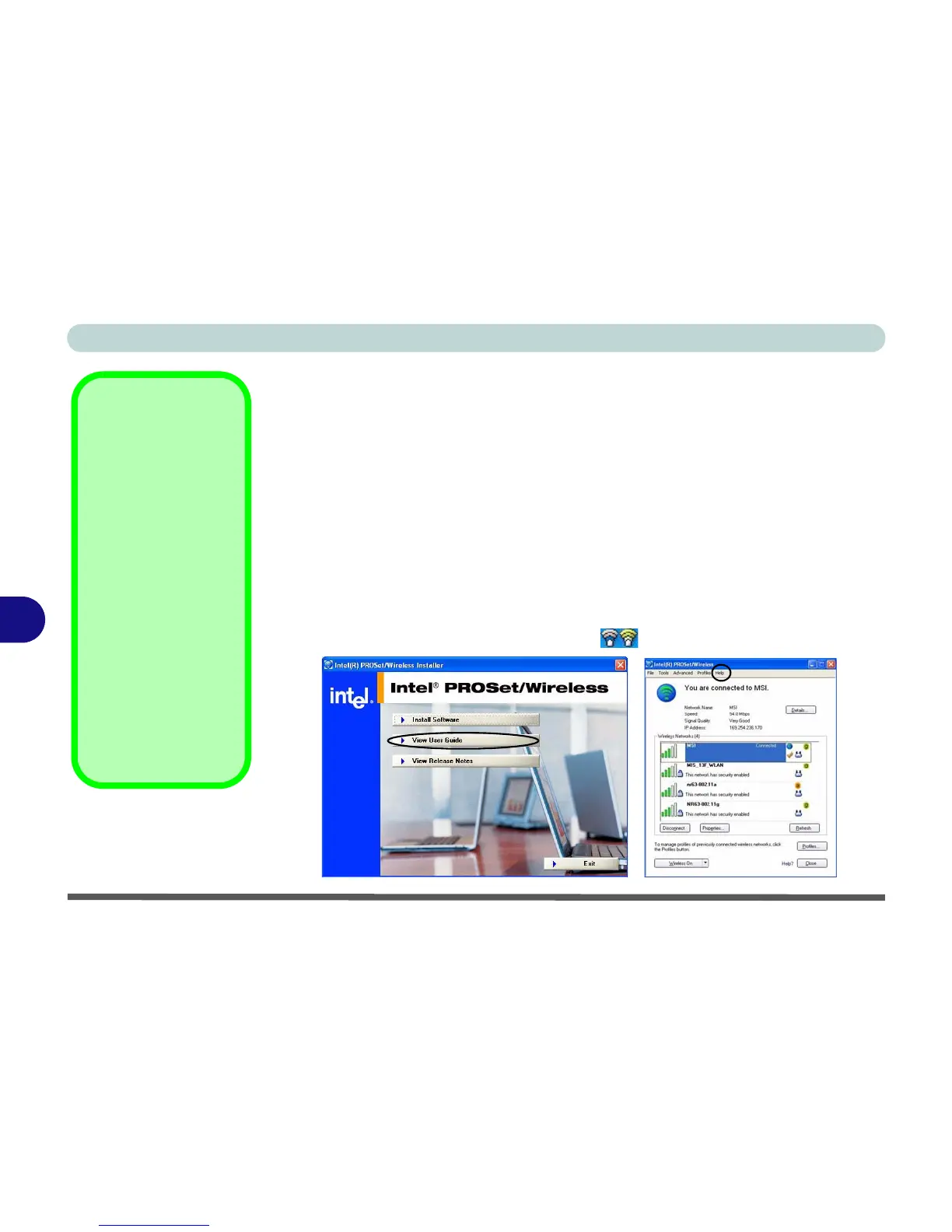
6. You can configure the settings by going to the Intel (R) PROSet Wireless
control panel (Start > Programs/All Programs > Intel PROSet Wireless),
or by double-clicking the taskbar icon .
User Guide
Insert the
Device Driv-
ers & Utilities + User’s
Manual
CD-ROM and
navigate (Browse..) to
D:\Drivers\Options
\WLAN\Autorun.exe.
Click
View User Guide
(button) as per
Figure 7
- 4
.
You can also view the
Help
menu from the In-
tel(R) PROSet/Wire-
less control panel (or
press
F1
to bring up the
help menu when the
control panel is active).
Figure 7 - 4
Intel PROSet/
Wireless



 To Next Page