System Startup 1 - 5
Quick Start Guide
1
System Startup
1. Remove all packing materials.
2. Place the computer on a stable surface.
3. Securely attach any peripherals you want to use with the
notebook (e.g. keyboard and mouse) to their ports.
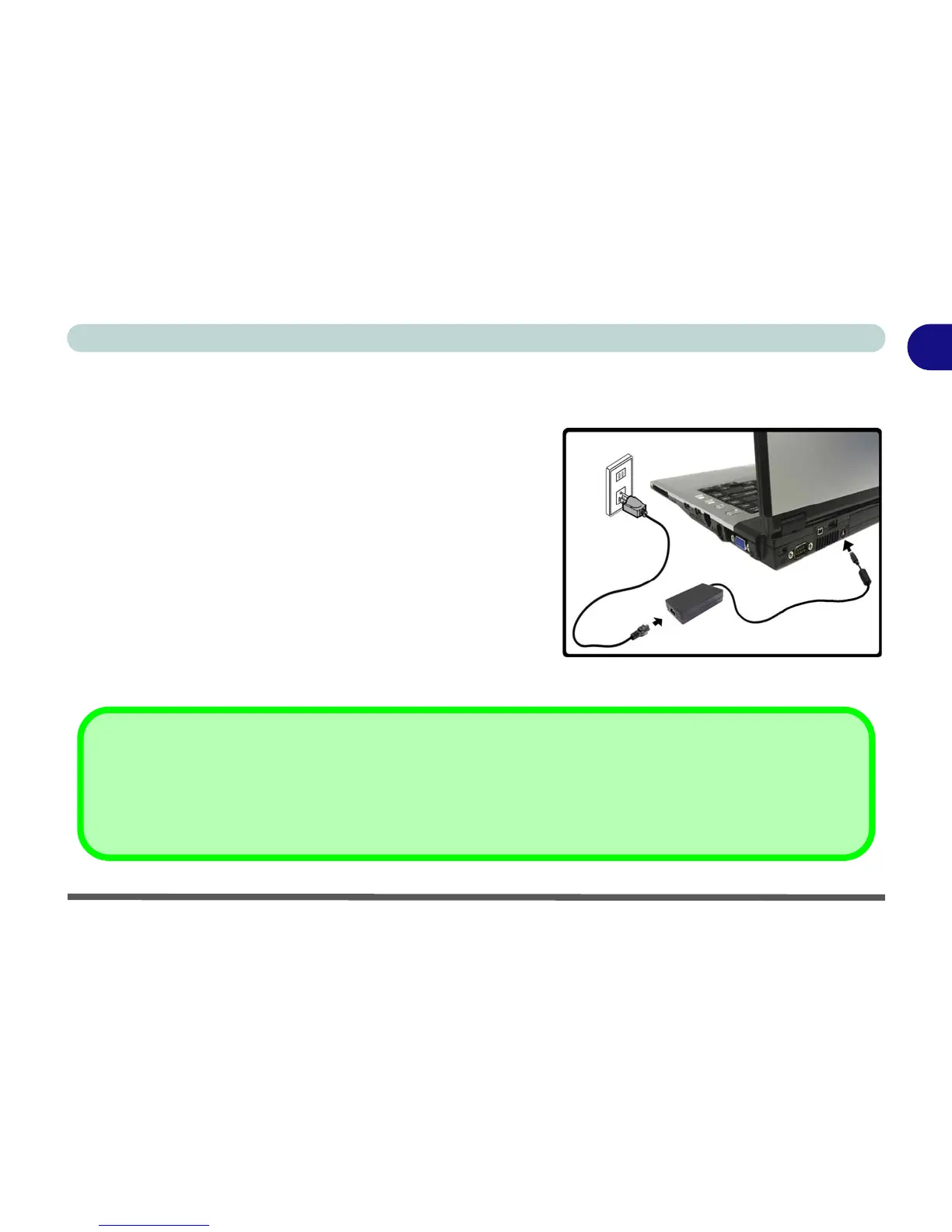
4. Attach the AC/DC adapter to the DC-In jack at the rear of the
computer, then plug the AC power cord into an outlet, and
connect the AC power cord to the AC/DC adapter (Note: If you
have included the Port Replicator in your purchase option see
page 7 - 13).
5. Raise the lid/LCD to a comfortable viewing angle, and press the
power button to turn the computer “on”.
6. Adjust the LCD panel to a comfortable viewing angle.
7. The LED indicators show the power and battery status of the
computer.
Figure 1 - 1 - AC/DC Adapter In
Shutdown
Please note that you should always shut your computer down by choosing the Turn Off Computer command from the
Start menu in Windows. This will help prevent hard disk or system problems. See “Stand by/Hibernate or Shutdown
Error” on page 3 - 6 for details on any errors relating to shutdown, Stand By and/or Hibernate.



 To Next Page