1 - 18 Power Management Features
Quick Start Guide
1
Power Management Features
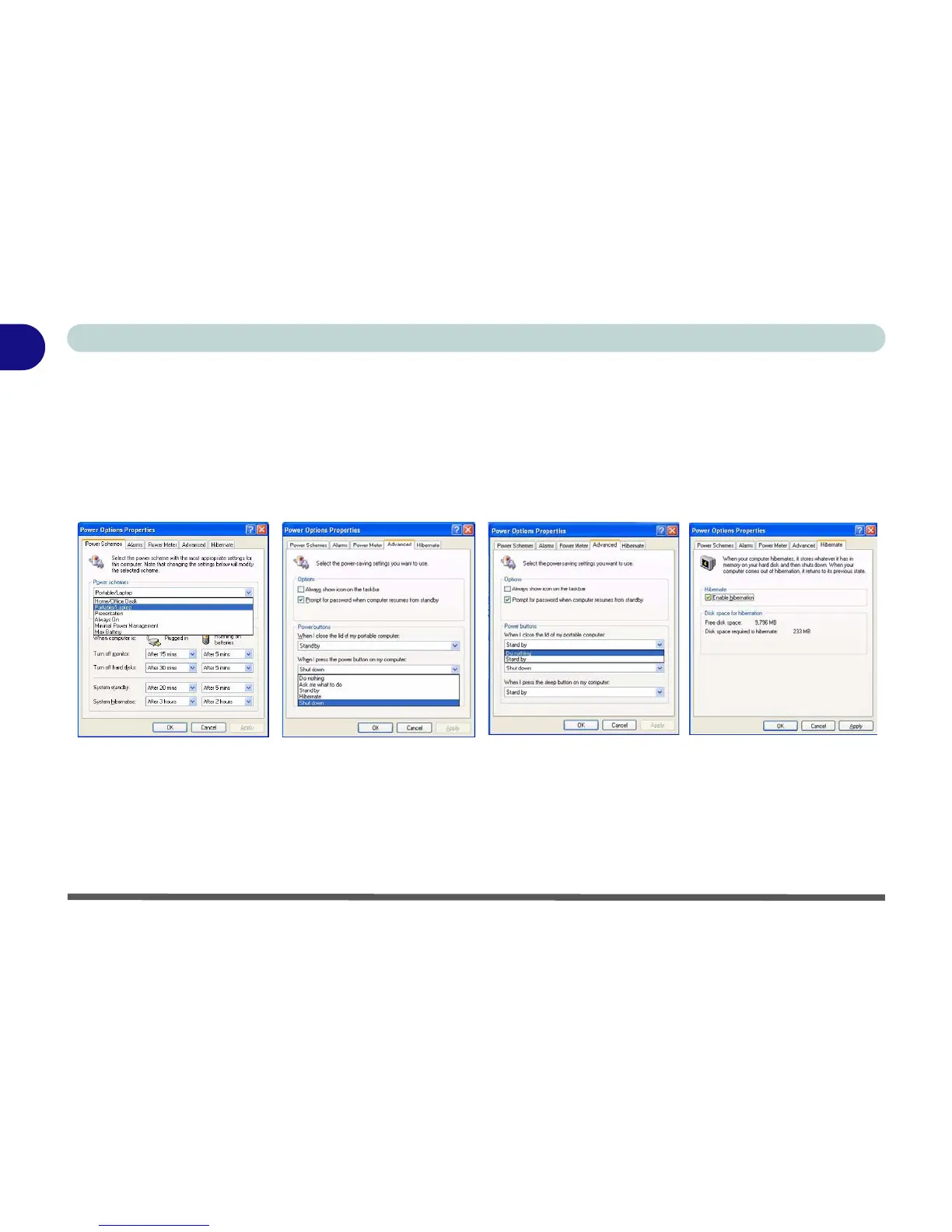
The Power Options control panel icon in Windows (see page 1 - 14) allows you to configure power management
features for your computer. You may conserve power through individual components such as the monitor or hard
disk (by means of Power Schemes), or you may use either Stand by or Hibernate mode to conserve power
throughout the system (enable Hibernate support from the control panel tab). Pay attention to the instructions
on battery care in “Battery Information” on page 3 - 9.
Figure 1 - 10 - Power Options
The computer’s power button, sleep button (Fn + F4 key combination), and lid (closing the lid) may be set to
send the computer in to either Stand by or Hibernate mode.
Power Saving and Performance
Power Schemes may have an affect on your computer performance (see “Power Schemes” on page 3 - 4).



 To Next Page