Interface (Ports & Jacks)
Interface (Ports & Jacks) A - 3
A
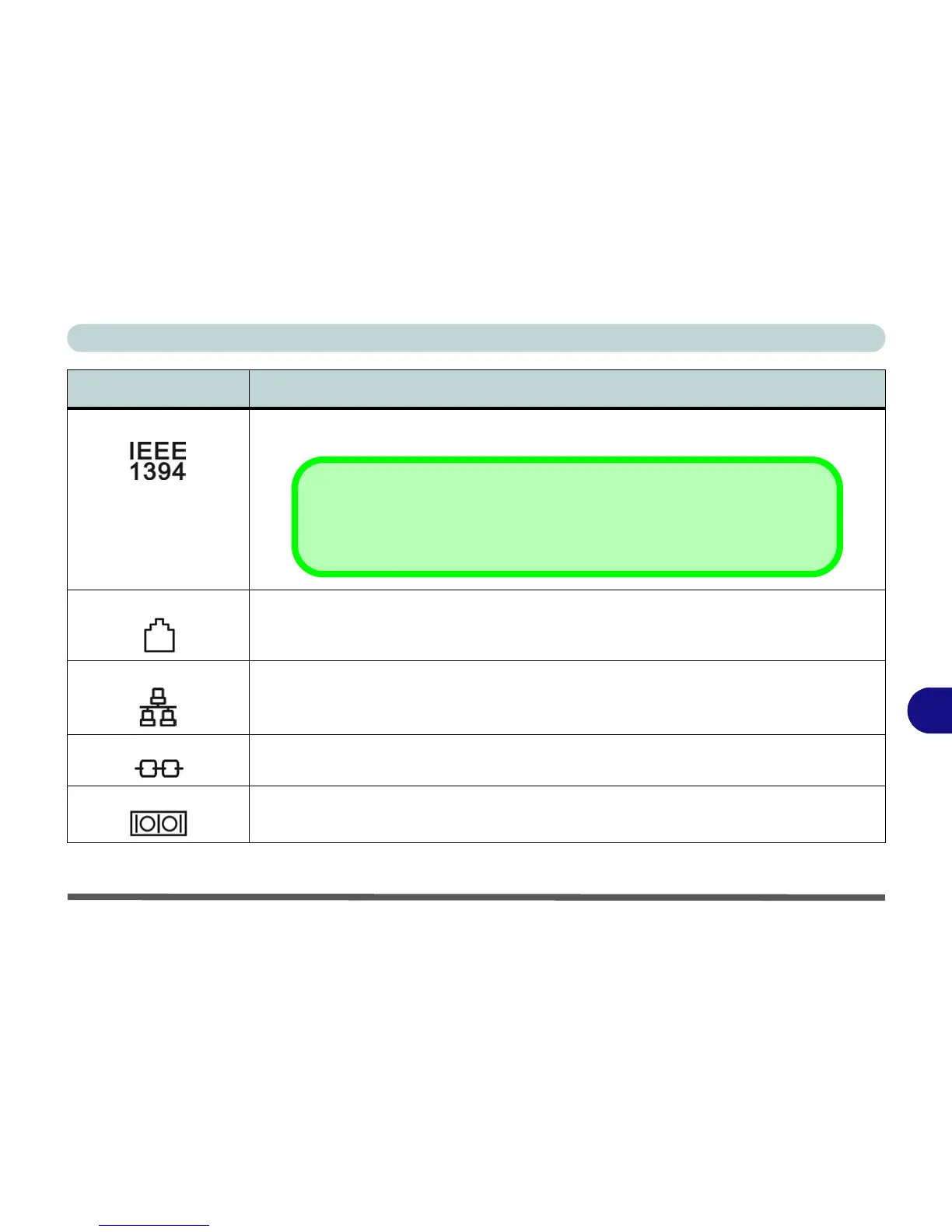
Mini-IEEE 1394 Port This port allows a high-speed connection to various peripheral devices, e.g. external disk drives
and digital cameras (see note below).
RJ-11 Modem Jack This port connects to the built-in modem. You may plug the telephone line directly into this RJ-11
telephone connection.
Note: Broadband (e.g. ADSL) modems usually connect to the LAN port.
RJ-45 LAN Jack This port supports LAN (Network) functions.
Note: Broadband (e.g. ADSL) modems usually connect to the LAN port.
Security Lock Slot To prevent possible theft, a Kensington-type lock can be attached to this slot. Locks can be
purchased at any computer store.
Serial Port Connect a serial type mouse to this port.
Item Description
Mini-IEEE 1394 Port
The Mini-IEEE 1394 port only supports SELF POWERED IEEE 1394 devices.



 To Next Page