Intel Video Driver Controls
B - 4 Intel Graphics Properties
B
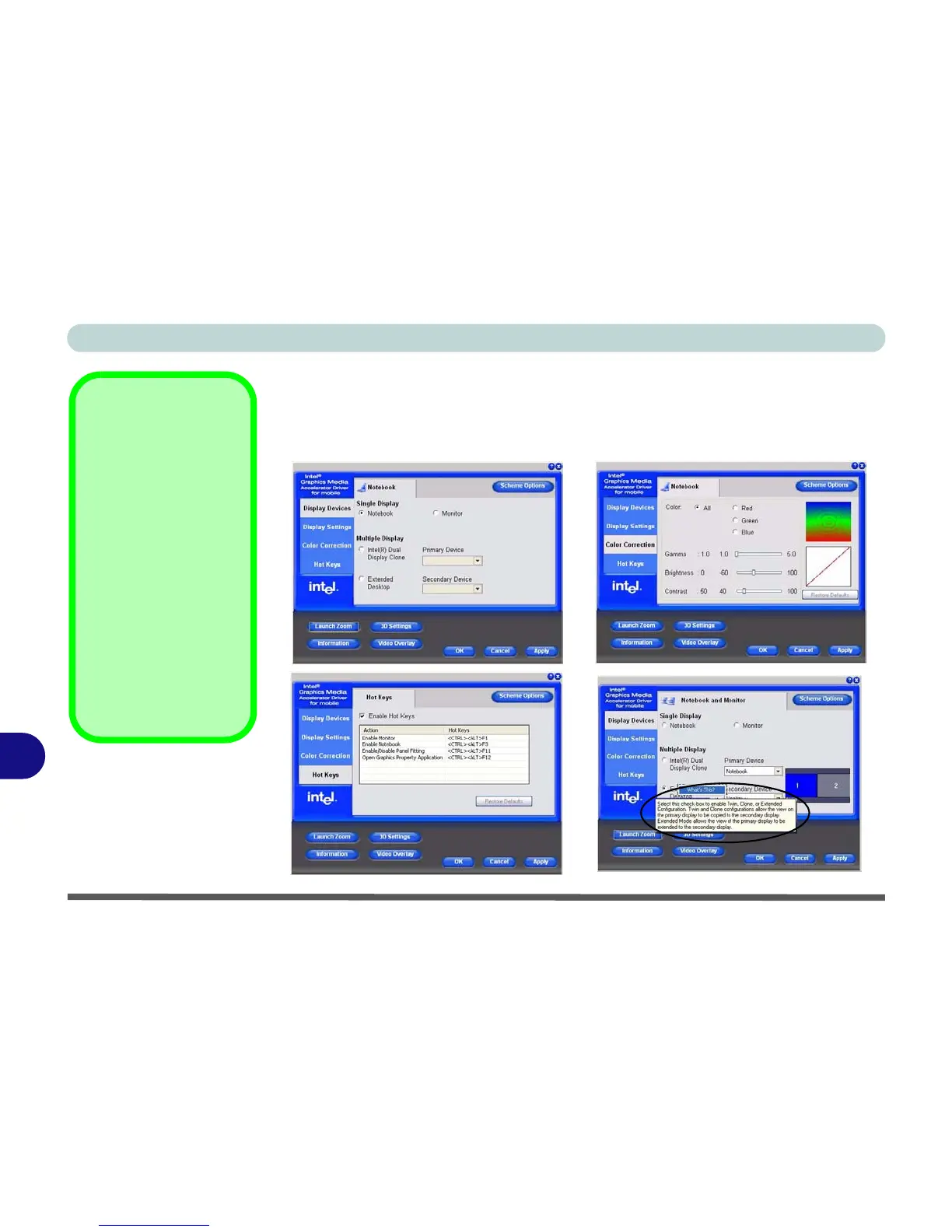
You may make changes to the devices, color, schemes, Hot Keys etc. by clicking
the appropriate menu item or button. Click Information (button) to obtain useful in-
formation about the graphics properties of the computer, and see the Support tab in
Information to get weblinks to the latest information on the Intel Website.
Figure B - 3
Intel Graphics Media
Accelerator Driver
for mobile
(Control Panel Tabs)
Help Menus
Right-click on many of
the items in the tabs to
bring up the “What’s
This?” button.
Click the “What’s This?”
button to bring up the
help menu.
Multiple Display
At least one other dis-
play must be attached in
order to view Multiple
Display options.



 To Next Page