Intel Video Driver Controls
B - 8 Display Modes
B
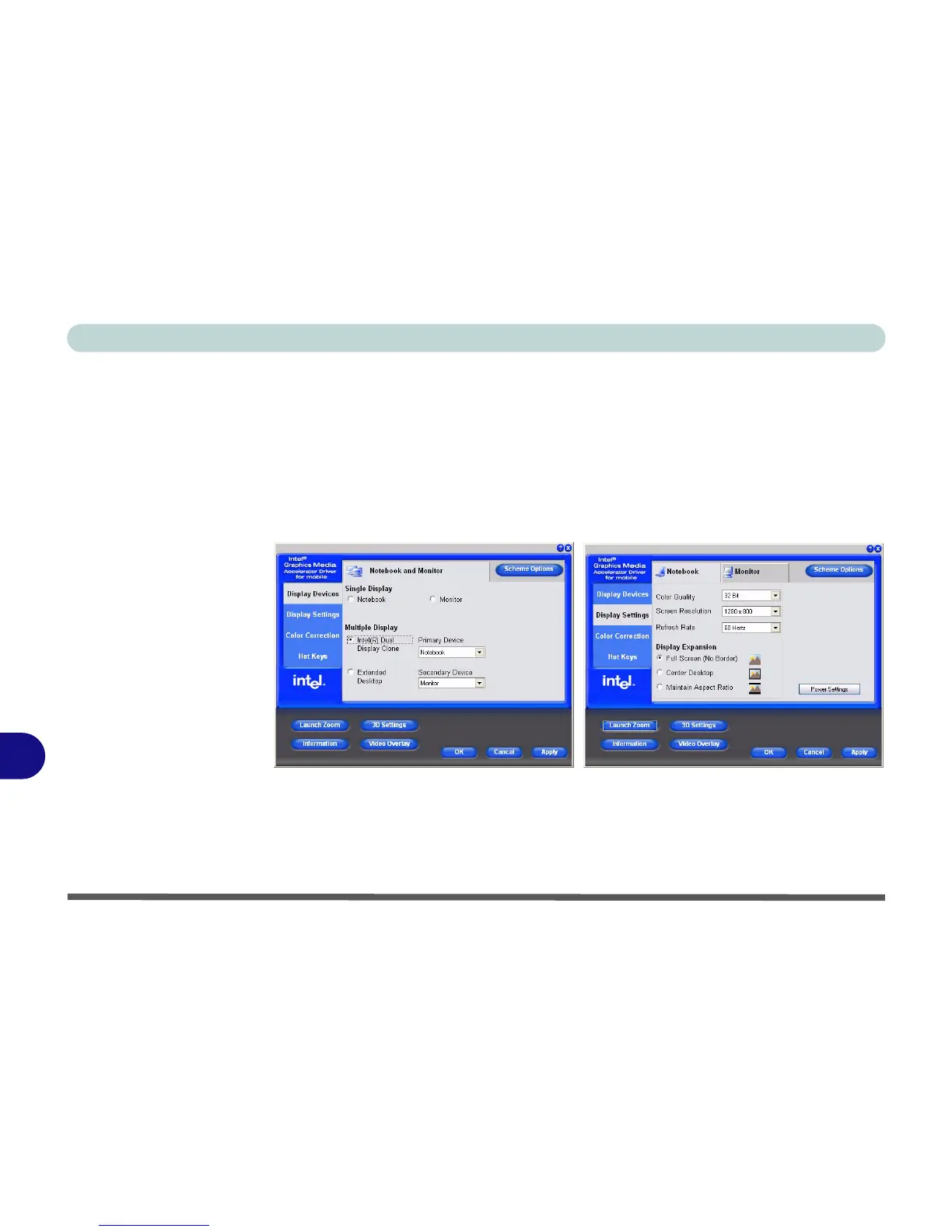
To Enable Intel(R) Dual Display Clone Mode
1. Attach your external monitor to the external monitor port (or TV to the 7-pin
S-Video-Out jack), and turn it on.
2. Go to the Graphics Properties control panel (see “Intel Graphics Properties”
on page B - 3) and click Display Devices.
3. Click to choose Intel(R) Dual Display Clone.
4. Click Apply, and OK to confirm the settings change.
5. Click Display Settings to adjust the settings for the attached devices.
Figure B - 5
Display Devices &
Settings



 To Next Page