Upgrading The Computer
Upgrading the System Memory (RAM) 6 - 9
6
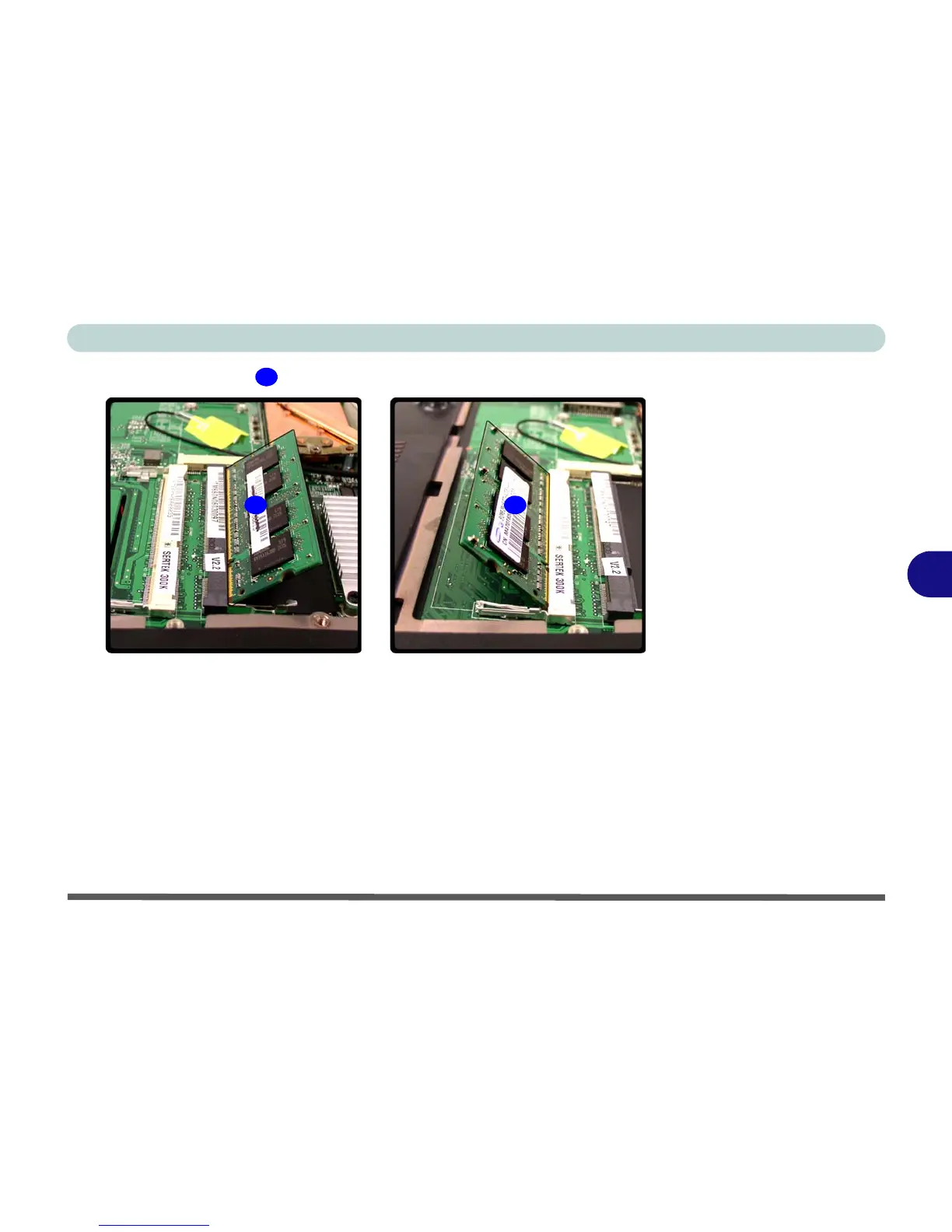
5. The RAM module will pop-up, and you can remove it.
6. Pull the latches to release the second module if necessary.
7. Insert a new module holding it at about a 30° angle and fit the connectors firmly
into the memory slot.
8. The module’s pin alignment will allow it to only fit one way. Make sure the module
is seated as far into the slot as it will go. DO NOT FORCE the module; it should fit
without much pressure.
9. Press the module in and down towards the mainboard until the slot levers click into
place to secure the module.
10. Replace the bay cover and screws.
11. Restart the computer to allow the BIOS to register the new memory configuration
as it starts up.
11
11
1111
Figure 6 - 8
RAM Module
Removal



 To Next Page