ER-180T Electronic Cash Register AU Program Mode Programming • 77
- / -% / +%
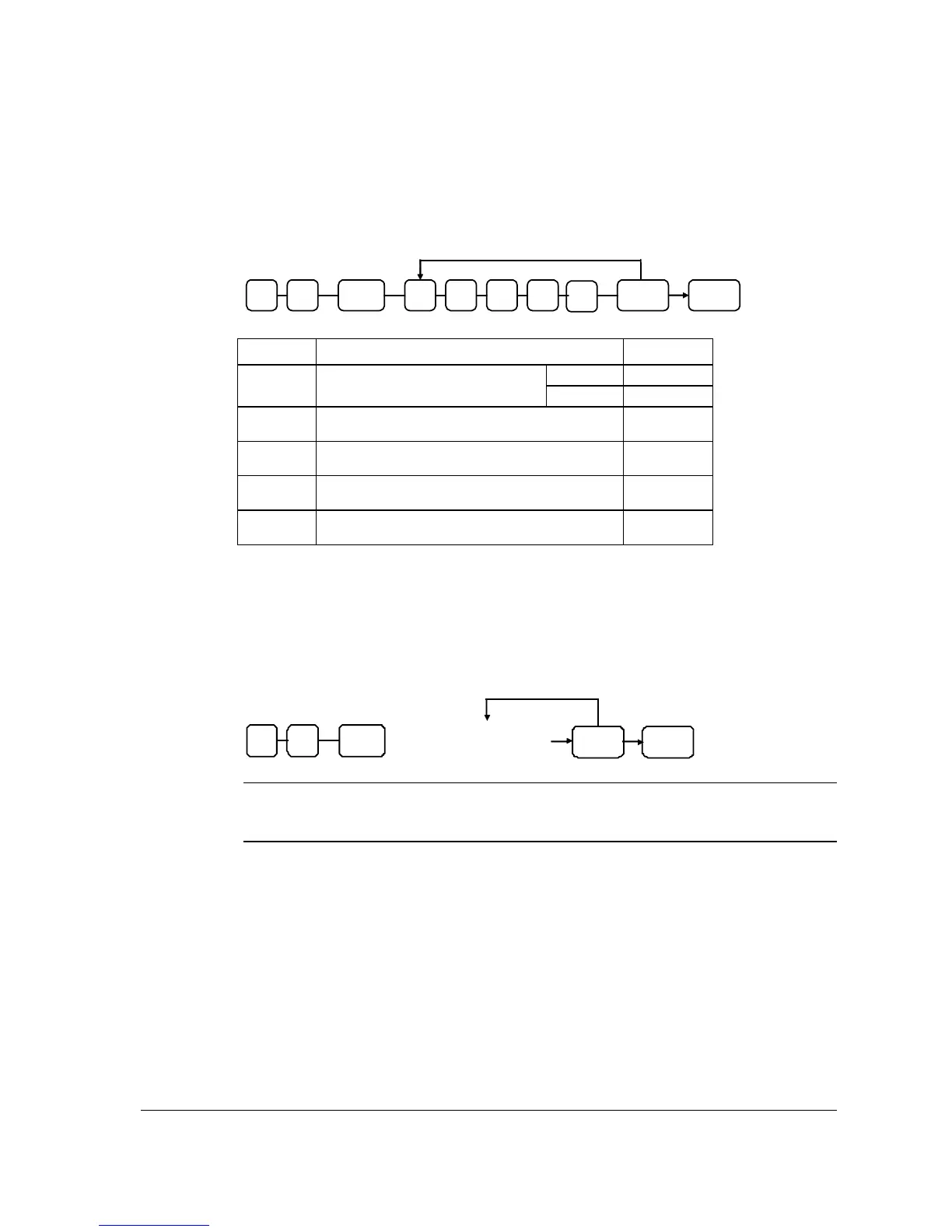
Options - Program 70
% CASH
Repeat for another
function key
N1SBTL 0 7 N2 N3 N4
N5
Address OPTION VALUE
Open =
1
N1
% Key is:
Preset = 0
N2
% Amount taxable tax 1?
Yes = 1
No = 0
N3
% Amount taxable tax 2?
Yes = 1
No = 0
N4
% Amount taxable tax 3?
Yes = 1
No = 0
N5
% Amount taxable tax 4?
Yes = 1
No = 0
Descriptor
- Refer to “Program 80 – Function Key Descriptor (Code Method)”
% Rate - Program 90
% CASH
Repeat for another
function key
SBTL 0 9
Enter 5 di
it rate or
amount (see note below)
Note: If key is amount, enter 5 digit HALO, or 0 for no HALO. If key is percentage enter
the percentage in a five-digit format, without the decimal (XX.XXX). For
example: for 10%, enter 10000; for 5.55%, enter 05550; for 99.999%, enter 99999.



 To Next Page