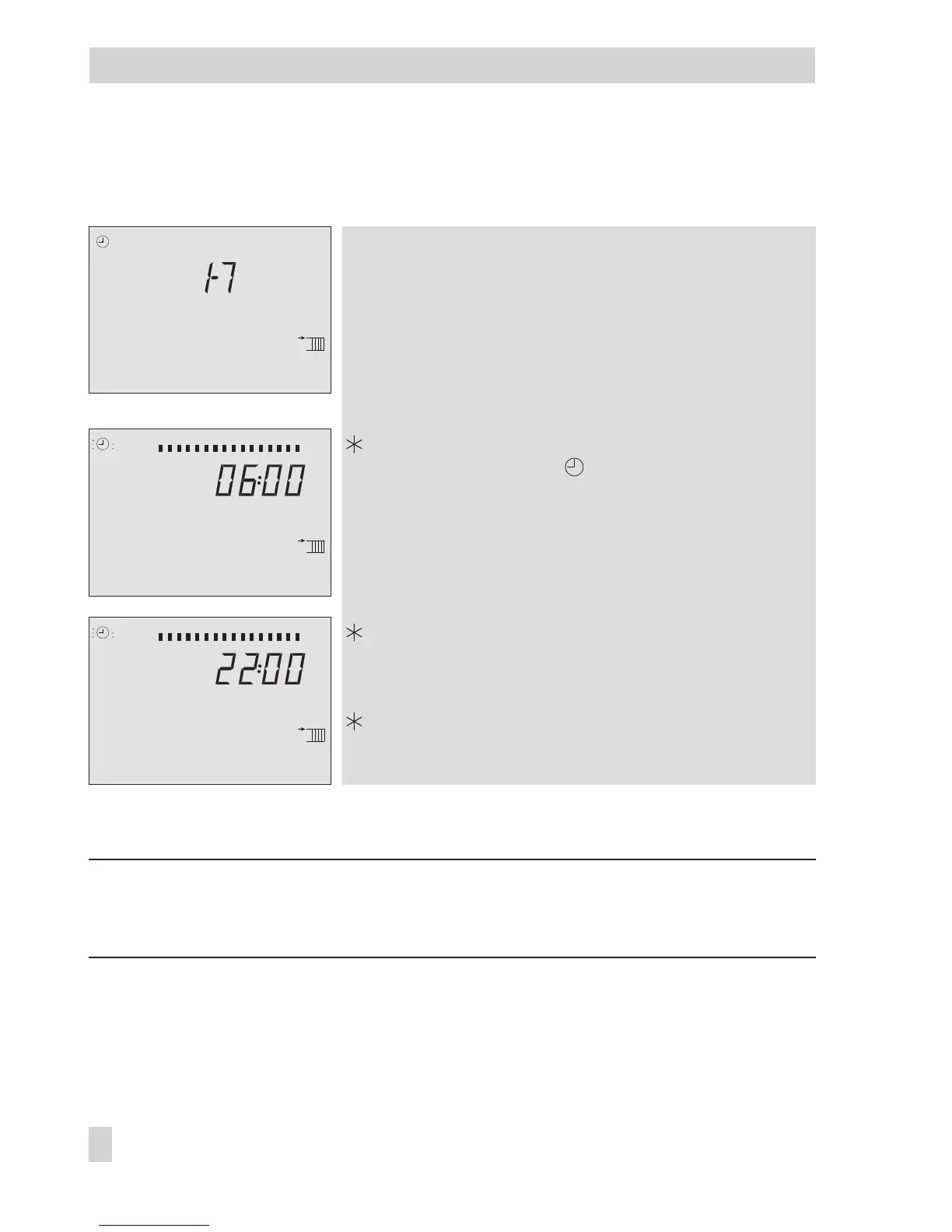
Proceed as follows: Turn appropriate rotary switch to position
“Times-of-use”.
Display shows:
1–7
q
Select period/day for which the times-of-use are to be
valid:
1–7 = every day,
1 = Monday, 2 = Tuesday, ..., 7 = Sunday
Activate editing mode for period/day.
Display shows:
START
, blinks
q
Edit start time (steps of 15 minutes).
Confirm start time.
Display shows:
STOP
q
Edit stop time (steps of 15 minutes).
Confirm stop time.
Display shows:
START
The second time-of-use is set like the first time-of-use.
To set the times-of-use for each day, repeat the instructions in the fields highlighted in gray.
Return the rotary switch to the required operating mode (left side).
Note: Do not use the 1–7 menu to check the programmed times-of-use.
If this menu is opened after the times-of-use have been set, the schedule programmed for
Monday is also adopted for all other days of the week.
14 EB 5579 EN
Operation
0123456789101112131415161718192021222324
STOP
0123456789101112131415161718192021222324
STA RT
0123456789101112131415161718192021222324



 To Next Page