1 Operation
The controller is ready for use with the default temperatures and operating schedules.
On start-up, the current time and date need to be set at the controller (–> section 1.5).
1.1 Operating elements
The operating controls are located in the front panel of the controller and protected by a
Plexiglas door.
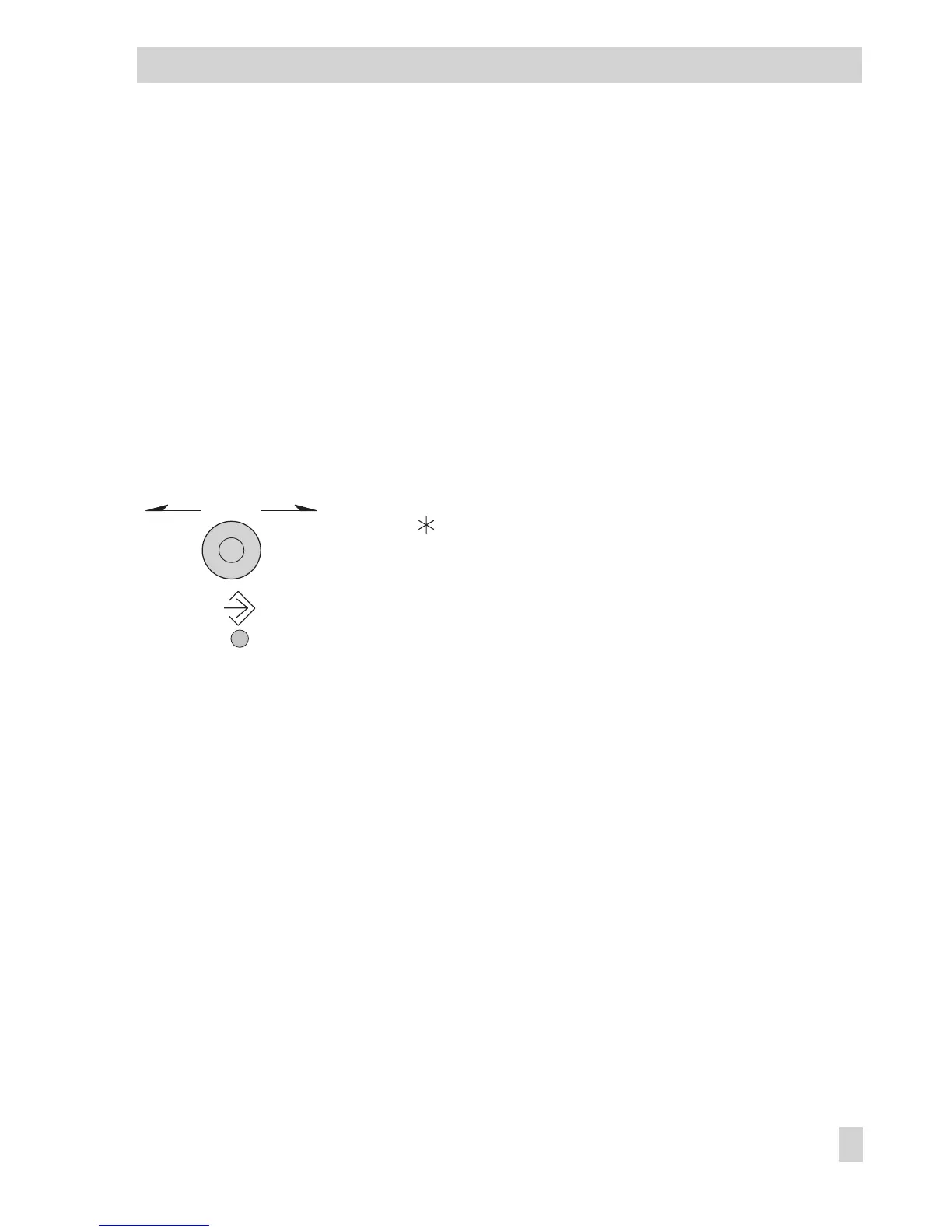
1.1.1 Rotary pushbutton and changeover key
Rotary pushbutton
Turn q:
Display, select parameters and function blocks
Press :
Confirm adjusted selection or settings
Changeover key
(use pen or any other pointed item to press)
Press to switch between operating level and configuration/
parameter level
EB 5579 EN 7
Operation
*



 To Next Page