2. Installation 2-5
2.3 Installation
2.3.1 Precautions for delivery and installation
• Do not inspect components unless inside “Charge” lamp is off.
It may cause an electric shock.
• Do not remove the operator from the main body.
It may cause an electric shock.
• When using the digital operator away from the main body, use the
separated operator (E7OPTR-S).
• Be careful not to be damaged the inverter in delivering.
• Do not carry the inverter by holding the plastic parts, but hold the
heat sink.
Otherwise, the heat sink may fall and cause injury.
• Use nonflammable materials such as metal for the part where the
inverter is installed.
• When installing several inverters in a single enclosed space, install a
cooling fan to keep the ambient temperature below 45℃.
• Cover the inverter during installation to protect it from metal chip
coming from drilling.
DANGER
!
CAUTION
!
2-6 MOSCON-E7 User’s Manual
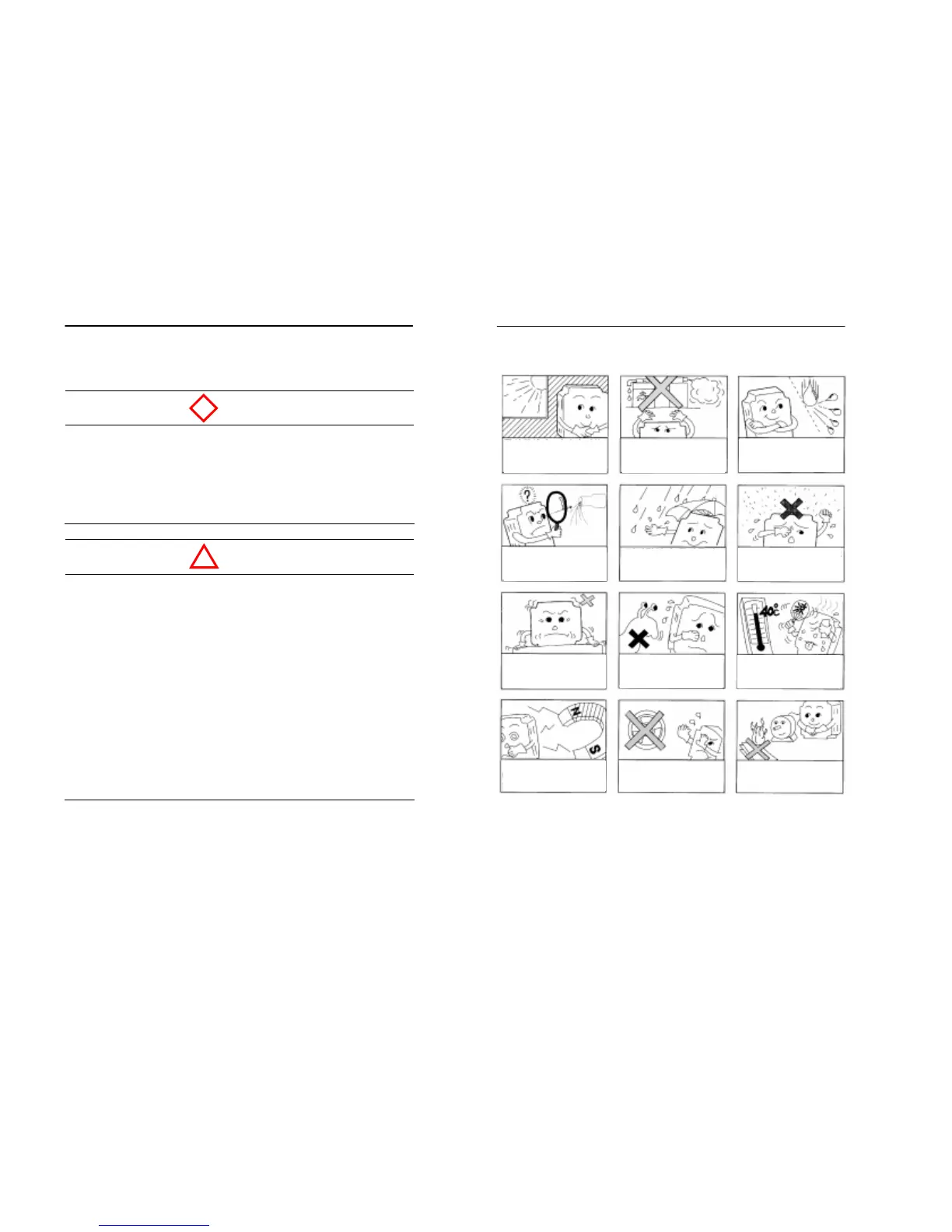
2.3.2 Installation site
Free from direct
sunlight
Free from harmful
gases and liquids
Free from oil mist and
dust
Free from chlorides


 To Next Page